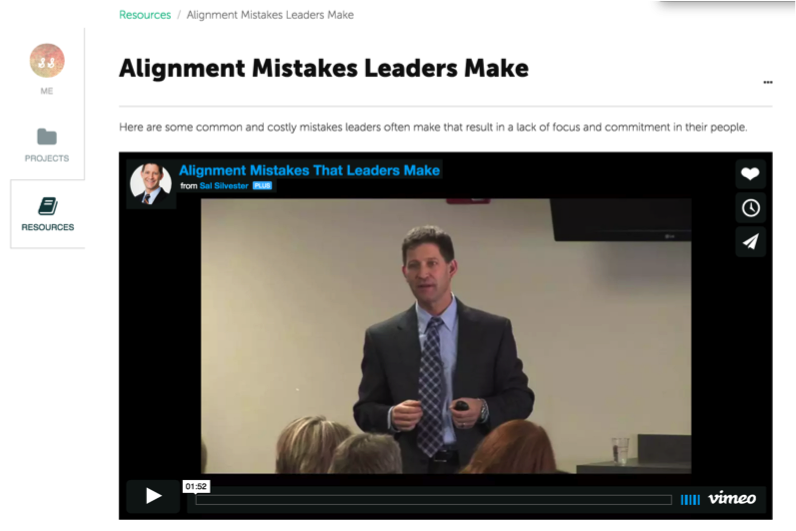
After your project has been created, you may consider adding resources. Resources may be articles, leadership tools, content from a participant workbook, fieldwork assignments or any combination of text, images, video, and document uploads that you want participants to access on their computer or mobile device. NOTE: Resources can be used across all of your projects, saving you time and enabling you to repurpose your content.
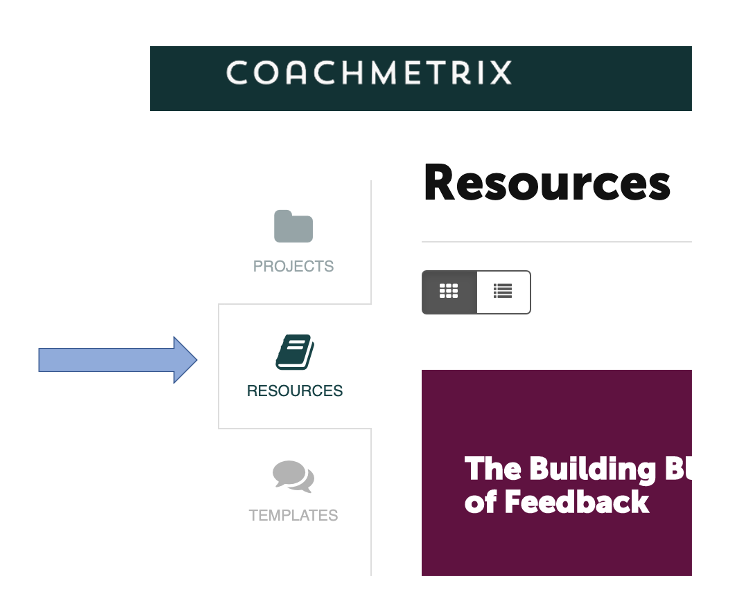
To Create a Resource, click on Resources in your menu on the left side of the page.
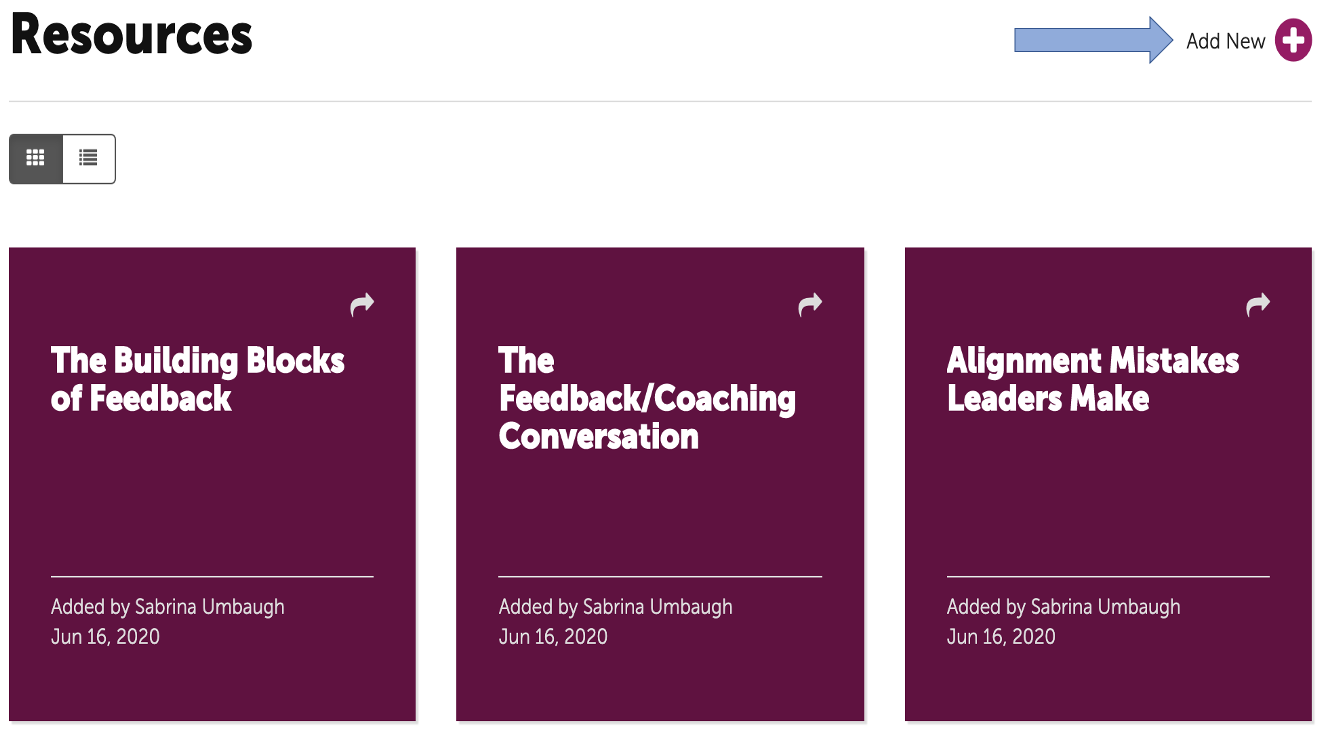
Then click on the “plus” in the upper right corner.
Insert any text or JPG images that you may choose. You can also insert a link to a Vimeo or YouTube video. As an example, I had a keynote video taped, edited into 1.5 minute clips, uploaded them into Vimeo and then created a number of engaging resources for my clients.
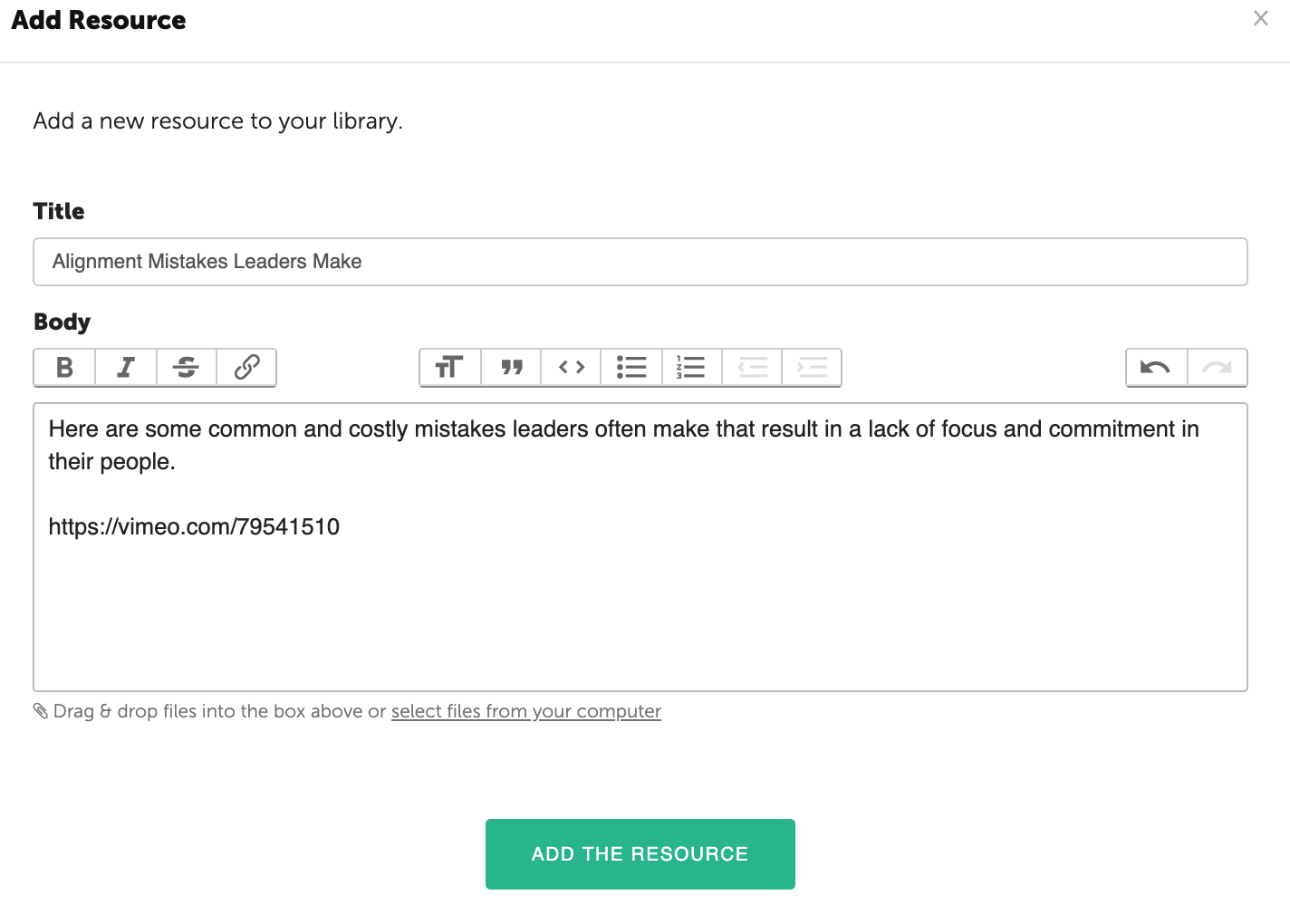
Then click “Add the Resource” and you’ll have your first Resource masterpiece!