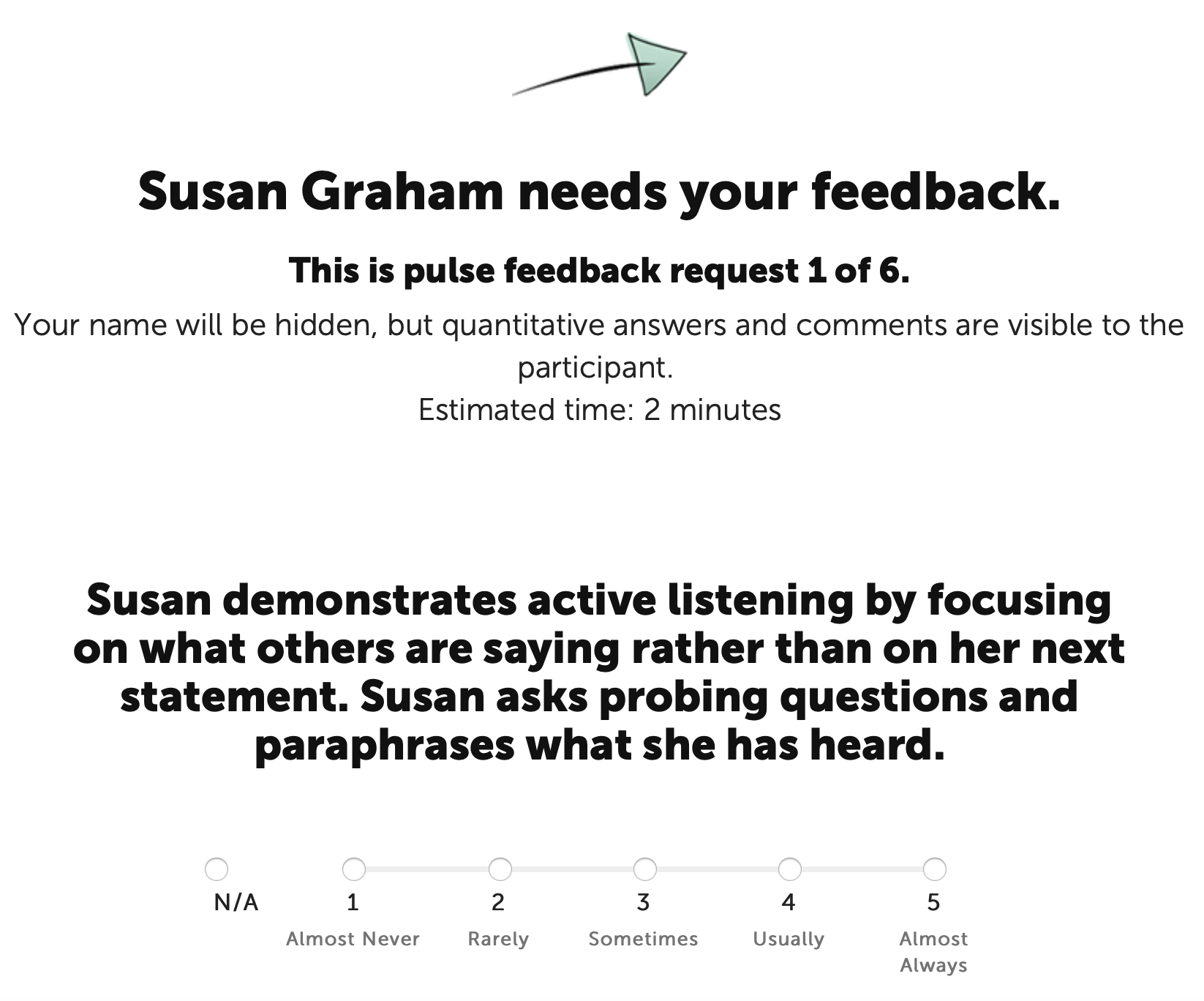
When selecting the settings for Pulse Feedback, Coaches can now choose definitions to help anchor the values of their chosen scale.
This new feature is available for participants on projects that have not yet started the Pulse Feedback process. It cannot be retrofitted for those that are underway.
Note: The Format, Scale and Privacy settings cannot be changed once the pulse feedback process has been initiated.
Selecting the Format, Scale and Anchor
Pulse Feedback settings are available by clicking the middle icon on the top right corner of the page.
Remember, these settings are applicable to all participants on the project.
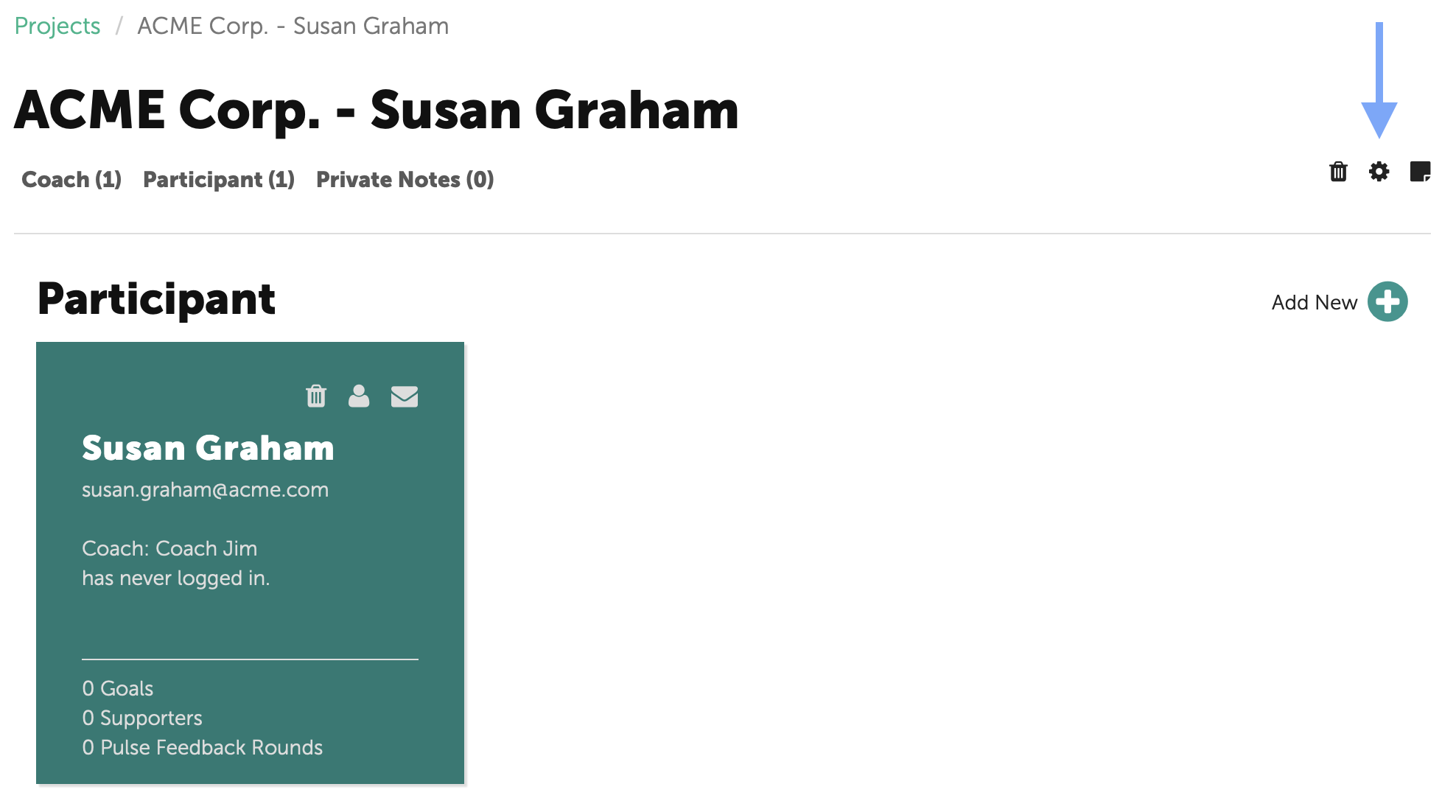
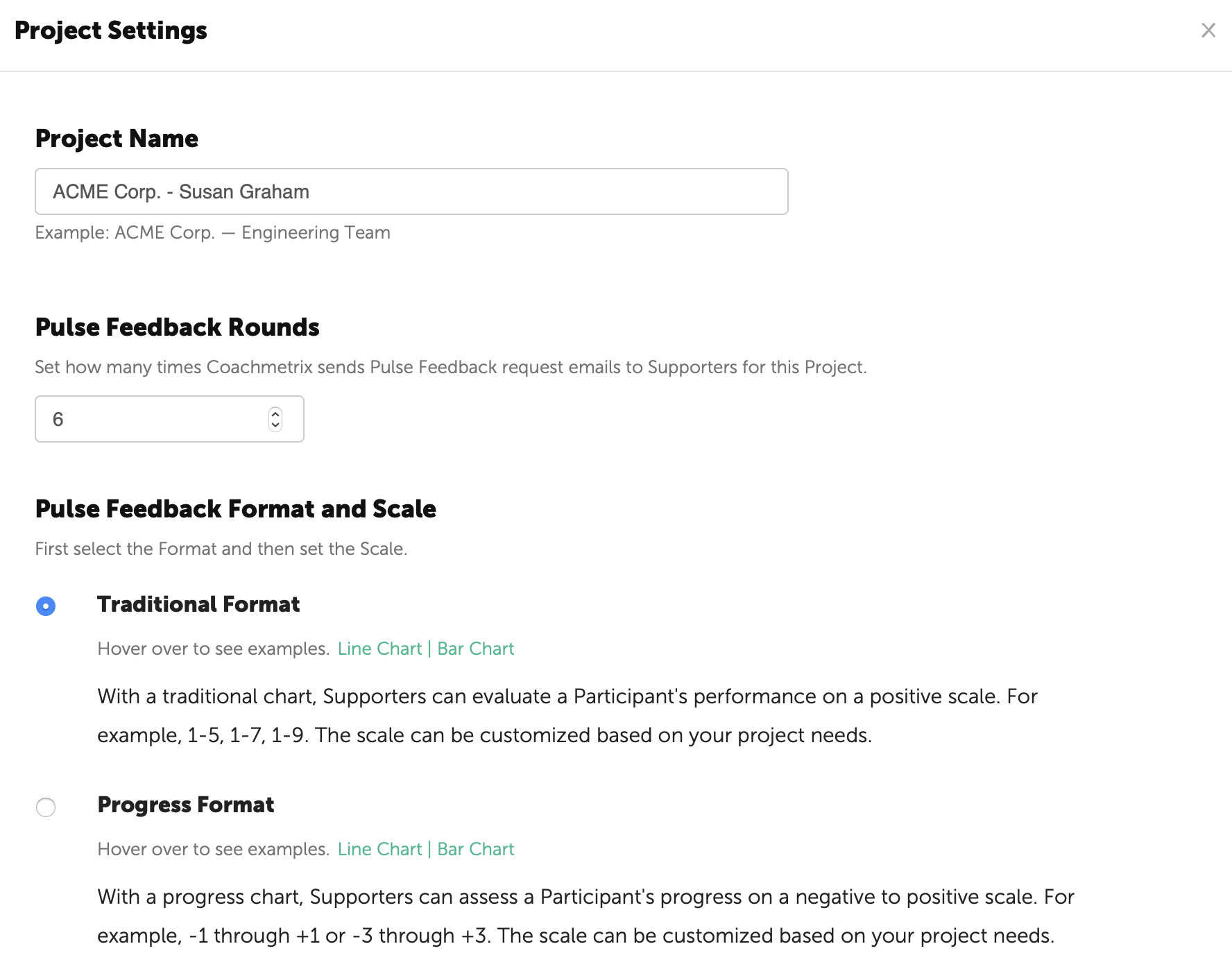
After the number of Pulse Feedback Rounds is set, select the appropriate format (Traditional or Progress).
Then select a scale from the drop-down options.
The anchor options for each scale are displayed under the selected scale. Select the anchors that are best suited for the Pulse Feedback process.
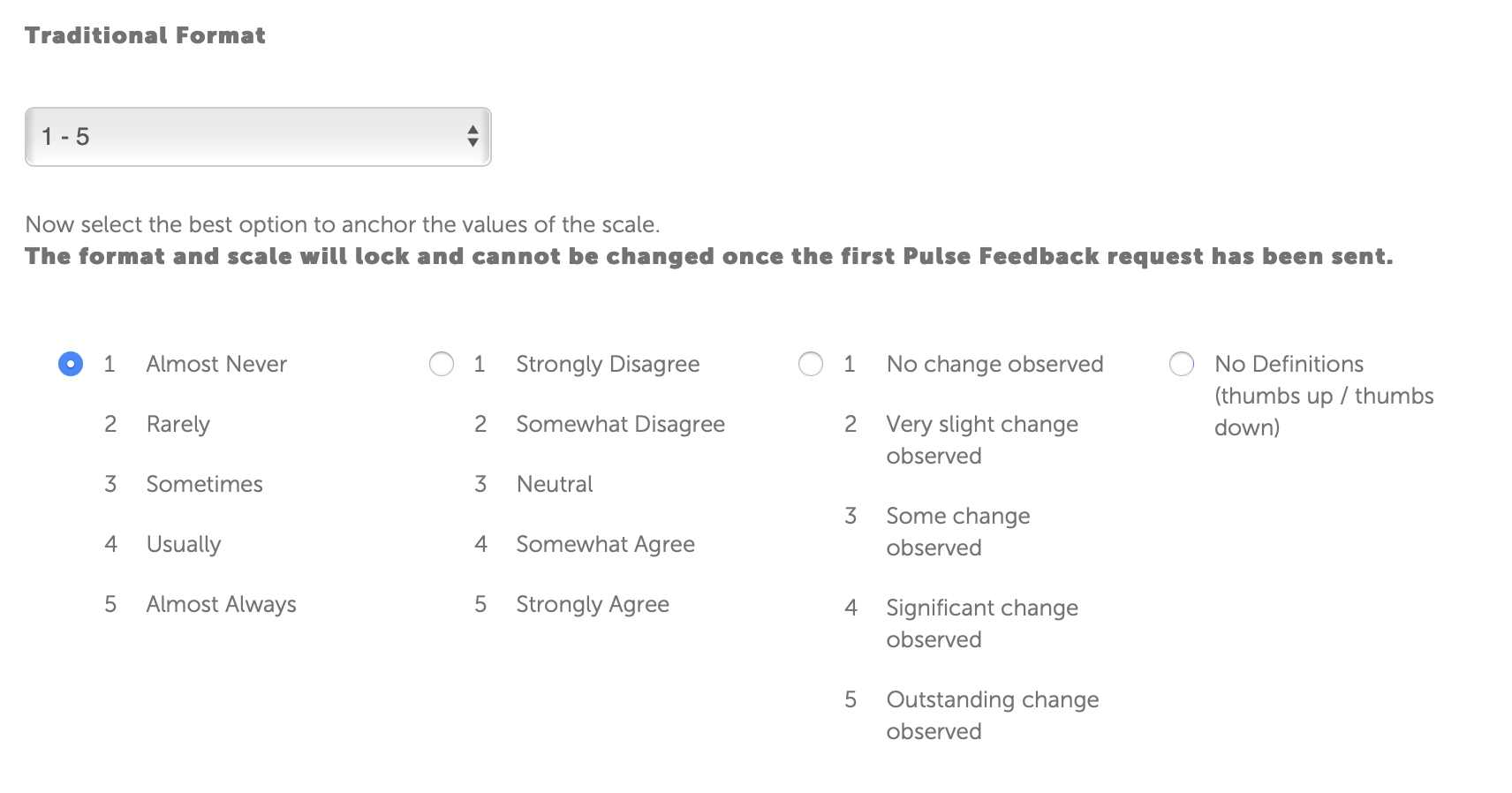
Click here to see the Scale Options with Anchors.
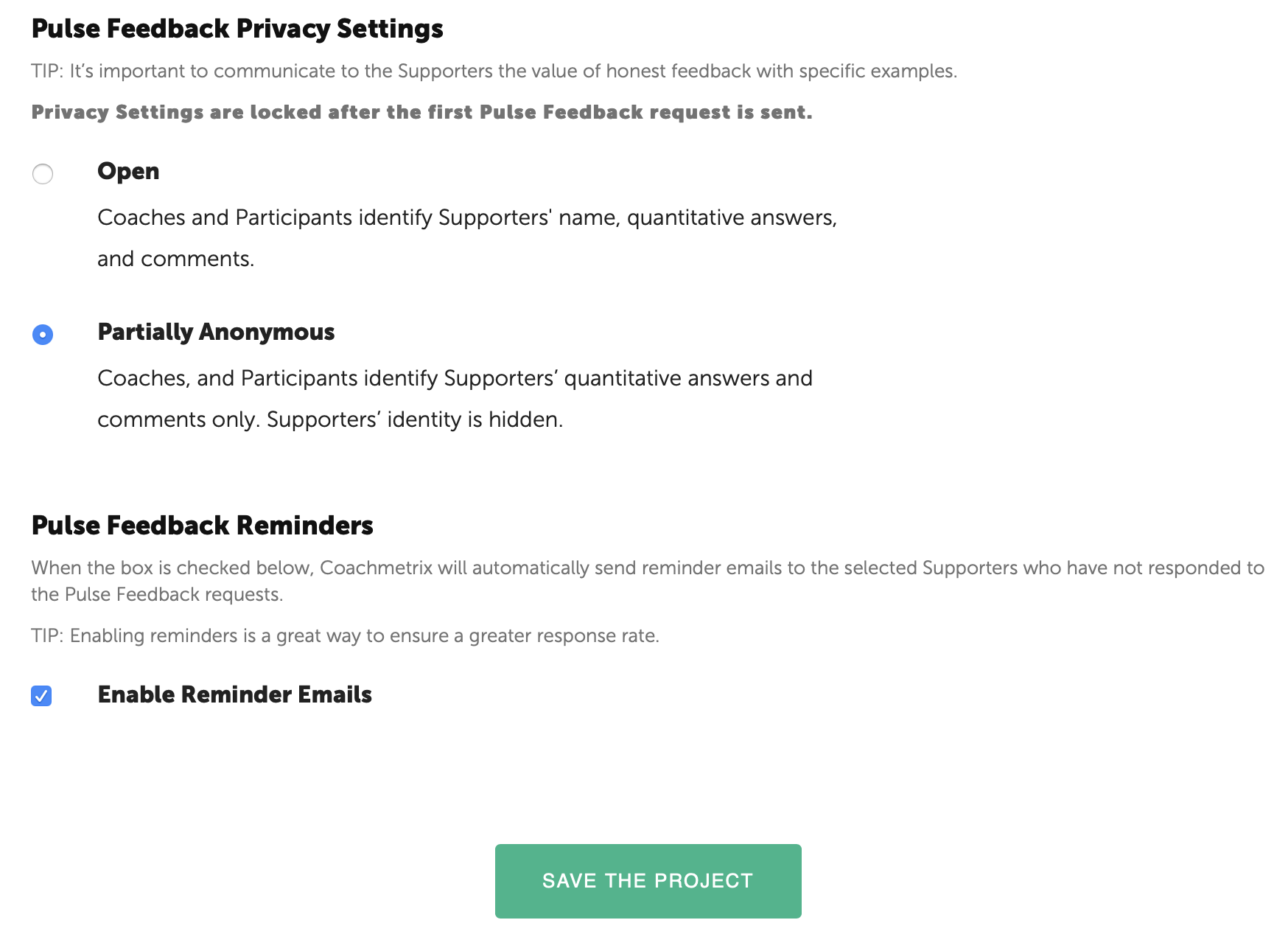
Finally, determine the Privacy Setting and enable the email reminders. When finished, click the save button at the bottom of the page.
Anchor Values displayed on Pulse Feedback Survey
The selected anchors are displayed under the numeric values on the Pulse Feedback sent to the Participant and Supporters.