

To add a Supporter, first encourage Participants to speak with their Supporters verbally, asking them to participate throughout their coaching and/or leadership development experience. It's helpful to let the Supporters know the process and set expectations.
Either the Coach or the Participant can add a Supporter.
First, navigate to the Project main page.
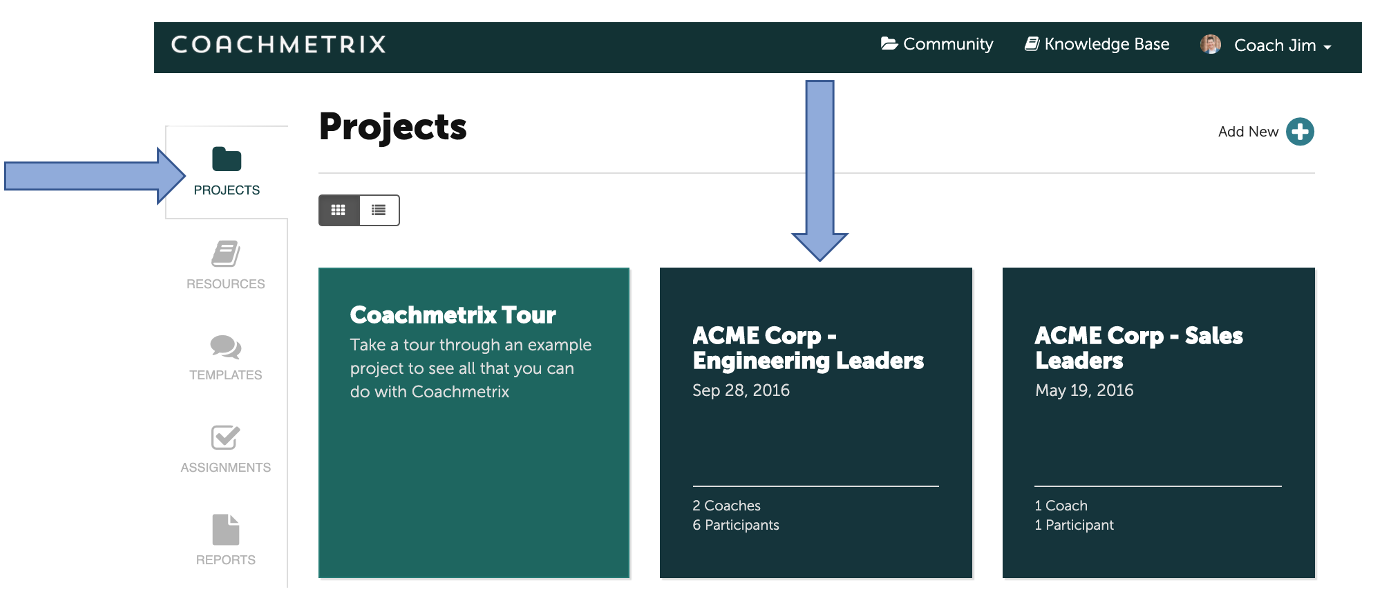
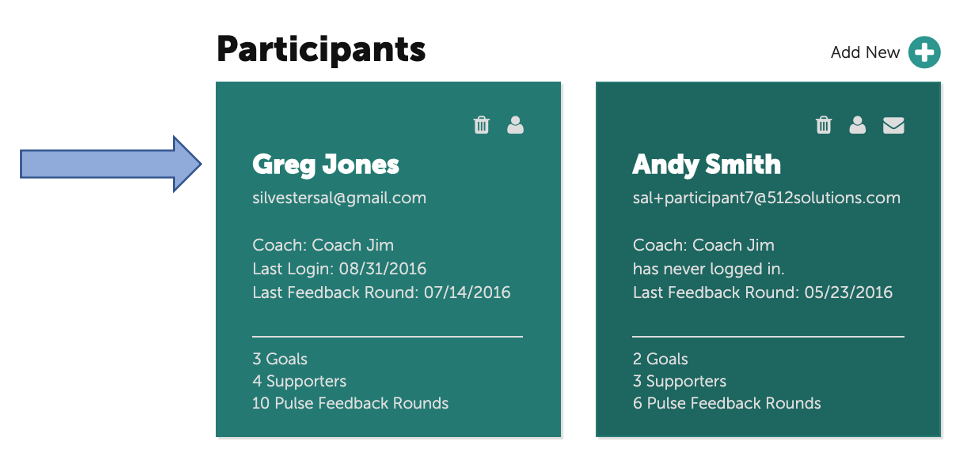
Then, scroll down the Project page and select your Participant.
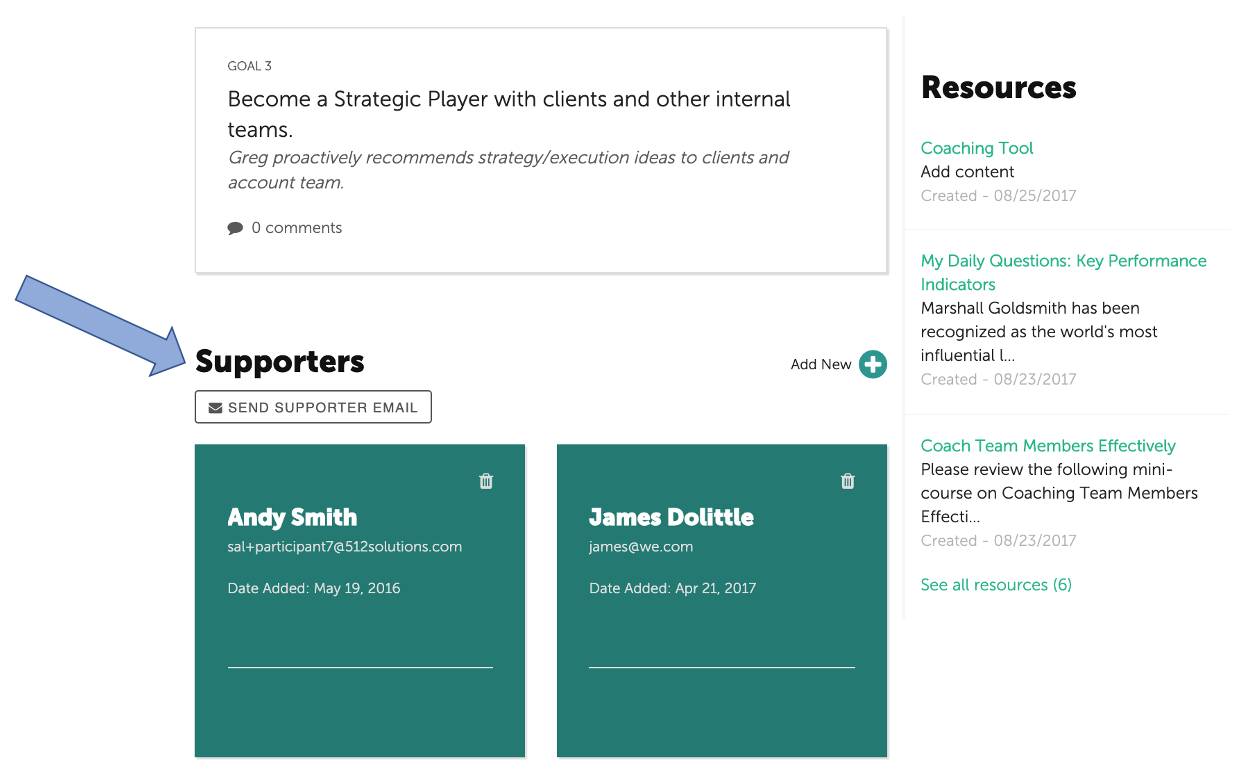
Scroll down the Participant main page to locate the Supporters section.
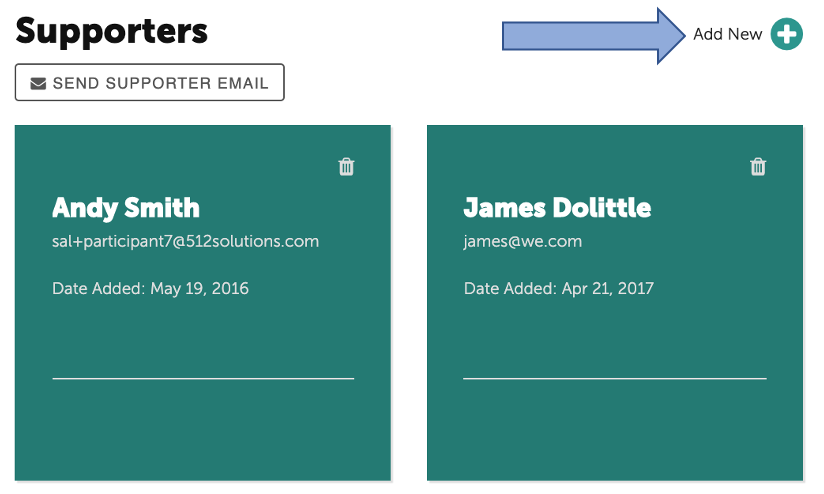
Select "Add New +" to add new Supporters.
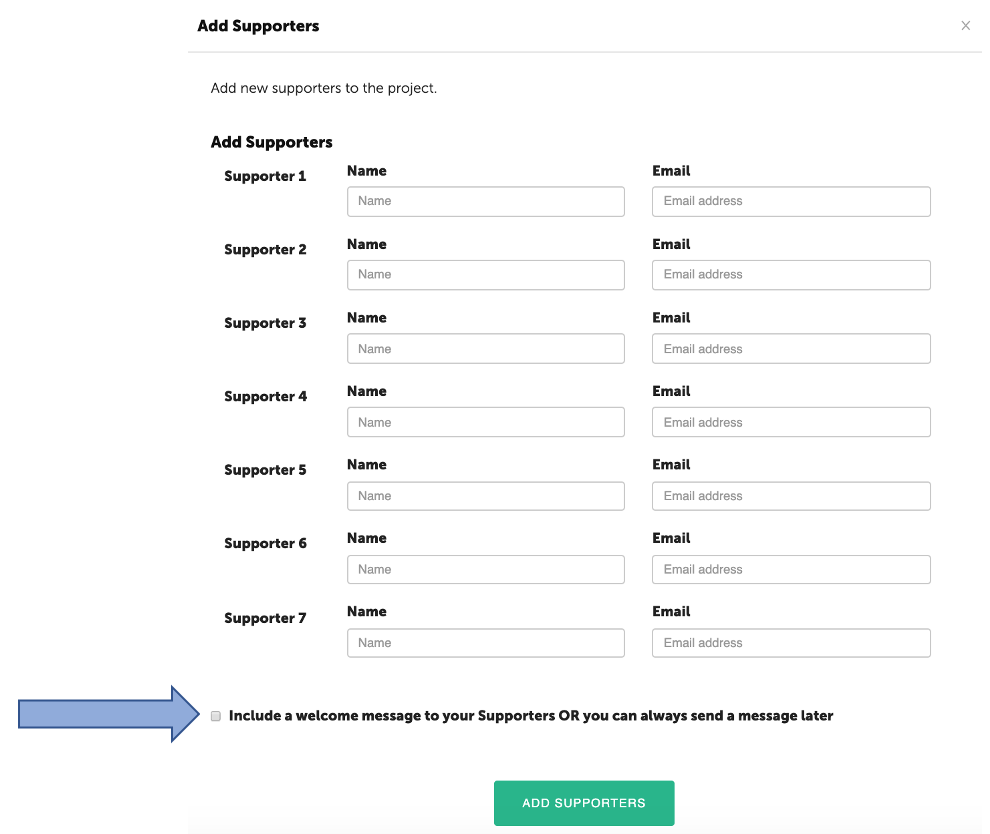
Add the Supporter’s name and email address. (Note: there is no limit to the number of supporters on a project).
To include a welcome message, click the check box at the bottom of the form. A welcome message can also be sent at a later time.
A standard welcome message will be displayed. The text can be edited to personalize the message. Once the supporters are added to the system, they will receive an email.
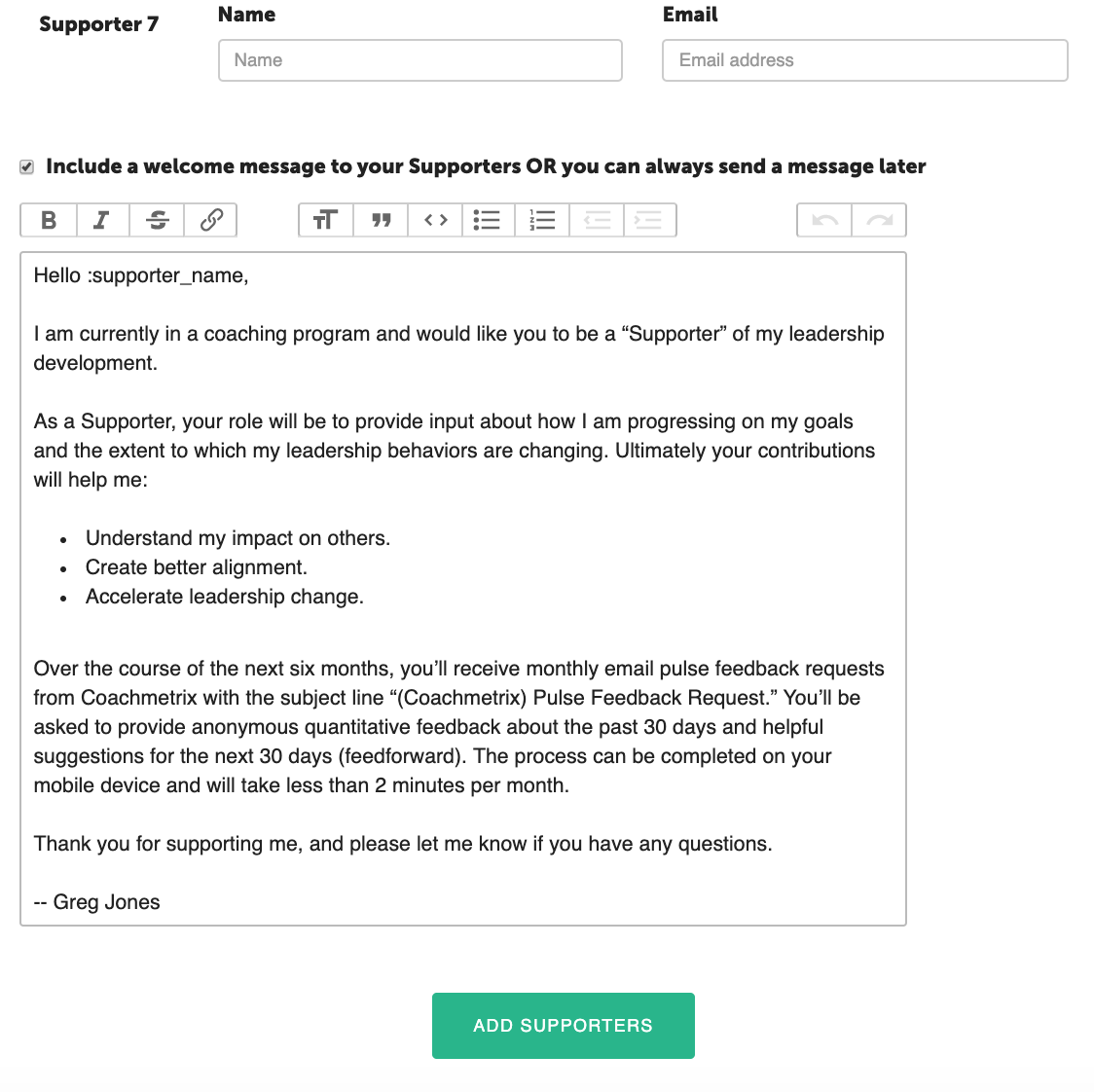
To submit, click the green “Add Supporters” button at the bottom of the form.