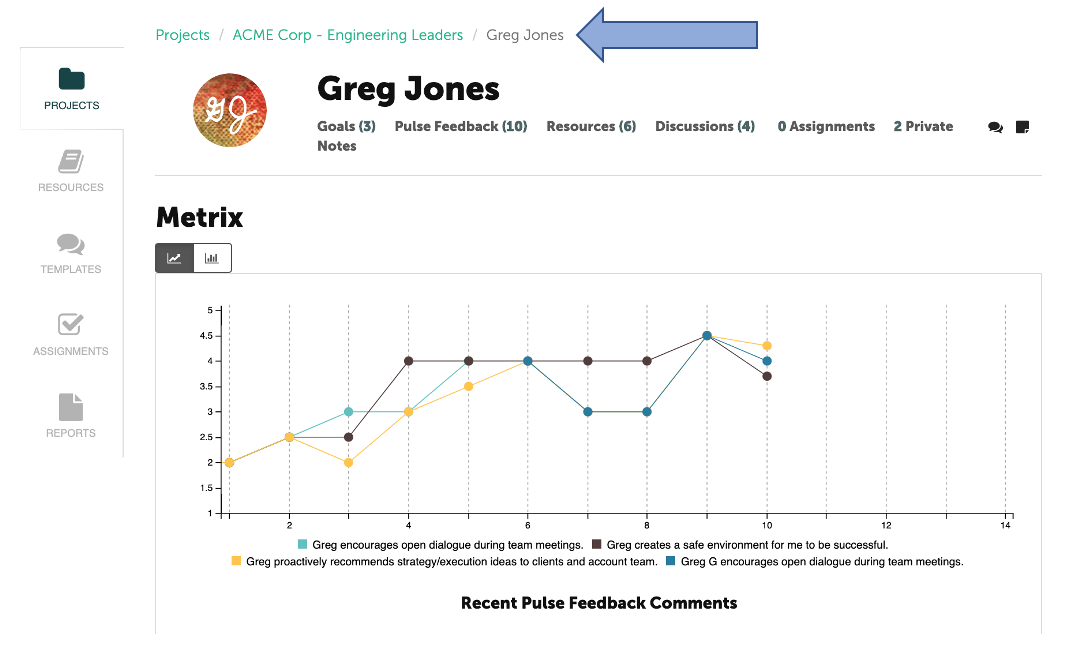
To create a discussion, first navigate to the Participant's page.
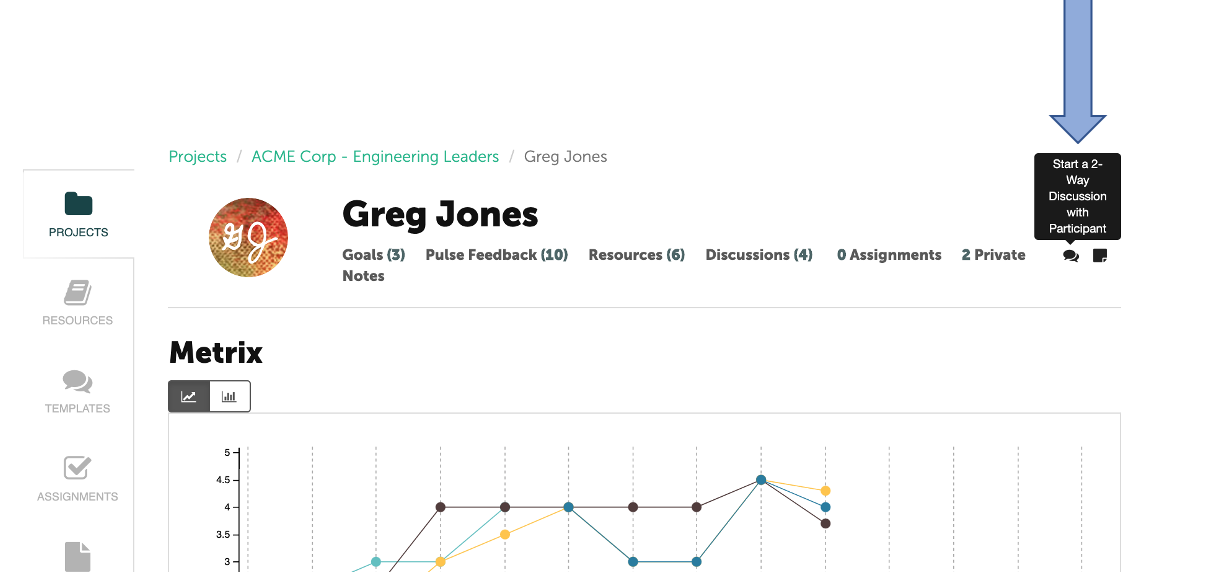
Then select the discussion bubble in the upper right on the Participant’s page.
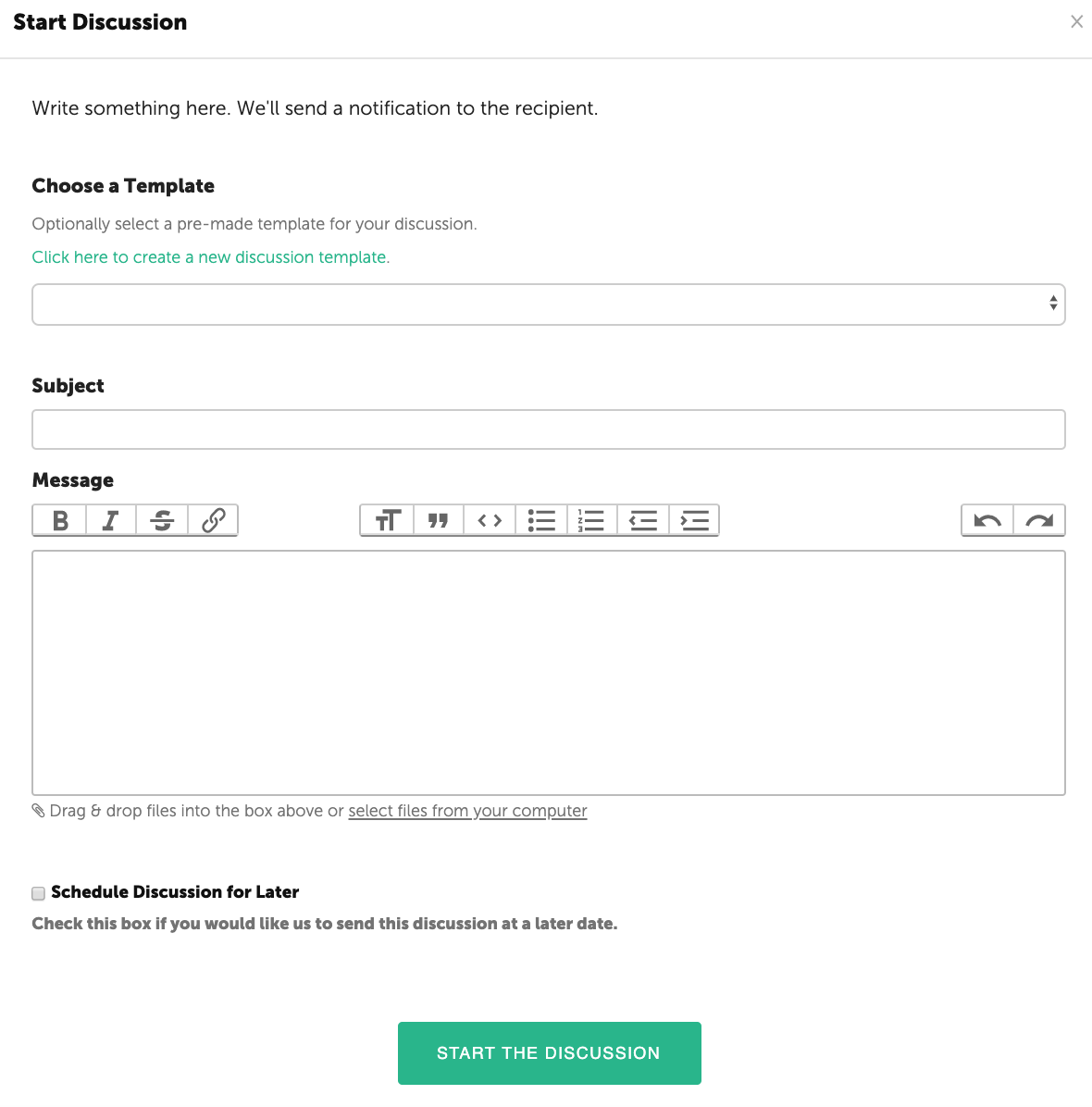
The Coach or Participant can add a discussion title and details. An email is sent to the Coach or Participant with the discussion content. Files may be inserted from your computer into the text box. Once your message is complete, click the green button at the bottom to start the discussion.