Discussions are online conversations between the Coach and Participant. They may be used to capture notes from a coaching session, reminders about upcoming coaching sessions, fieldwork assignments, follow-up after a workshop, or just about anything else. Discussions can be initiated by either the Coach or Participant.
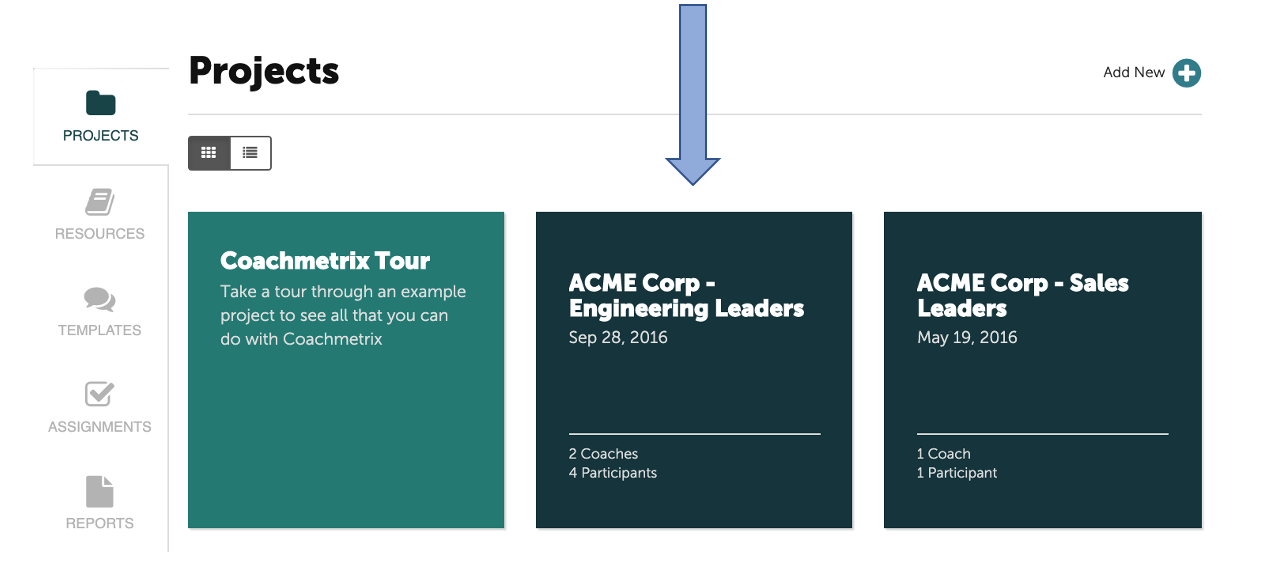
To start a Discussion, you first need to select the Participant. First navigate to the Project page, and select the project to which the Participant belongs.
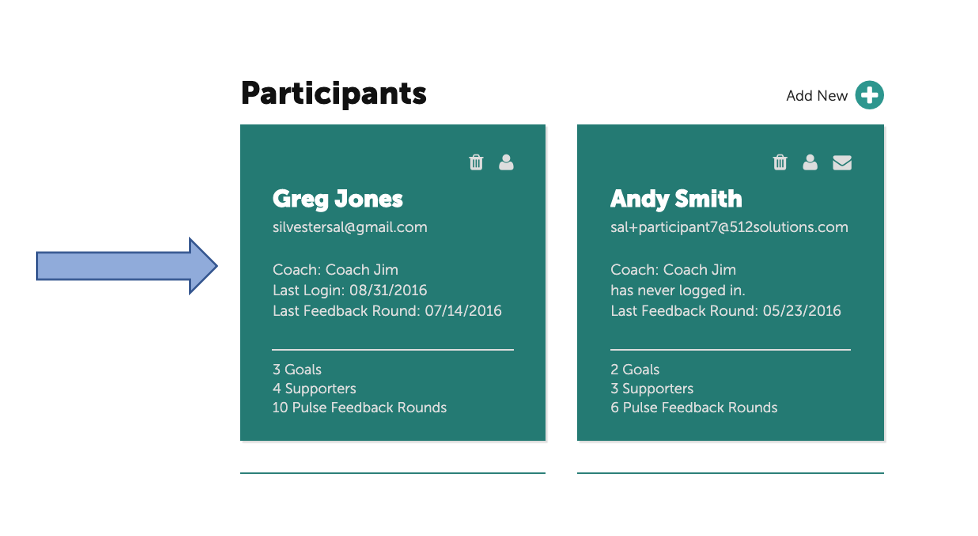
Next, select the Participant for who you wish to begin the Discussion.
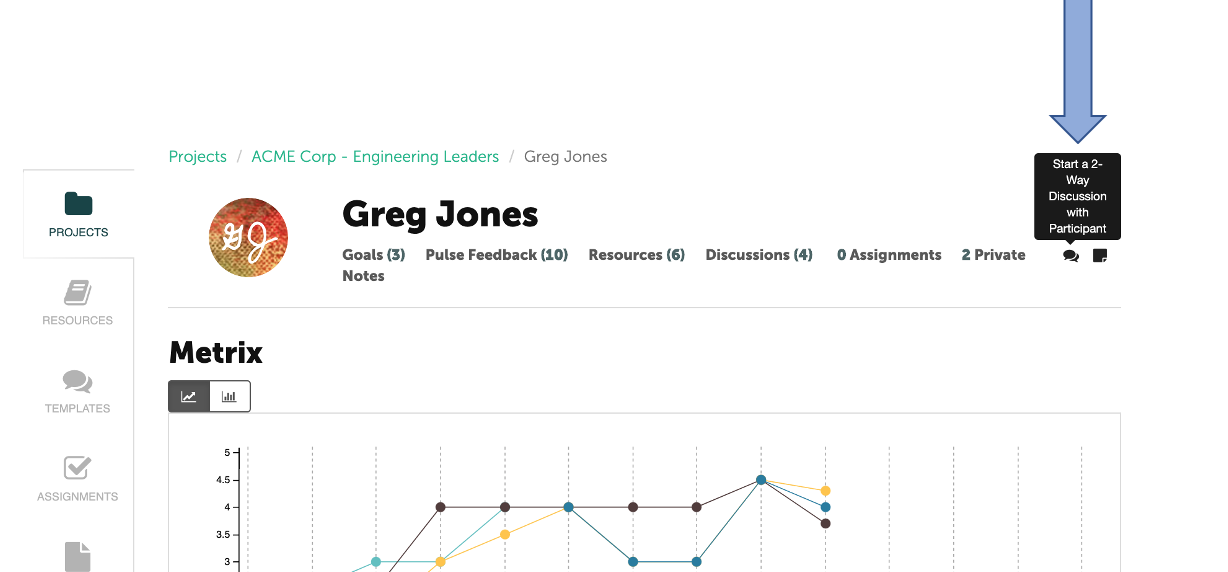
Select the discussion bubble in the upper right on the Participant’s page to begin the two-way Discussion.
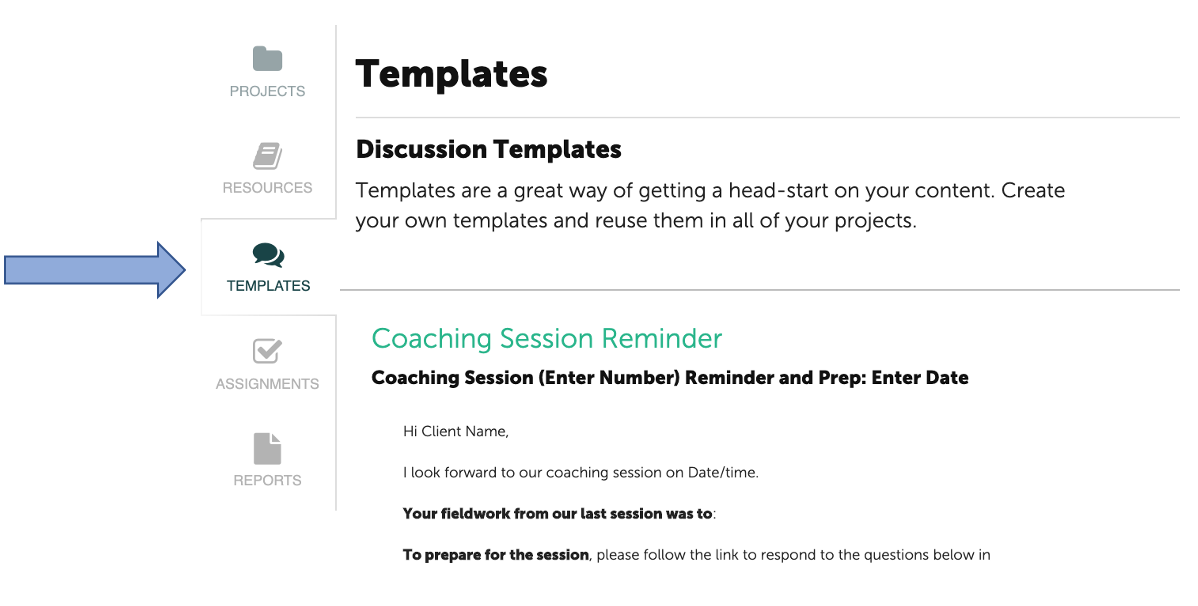
Discussion Templates were developed to save time and effort and reduce the need to recreate discussions over and over. It’s simple to draft a discussion message once and select it any time to create a similar discussion in the future.
To locate your Discussion Templates, select Templates on your navigation menu on the lefthand side of the Coach's page.