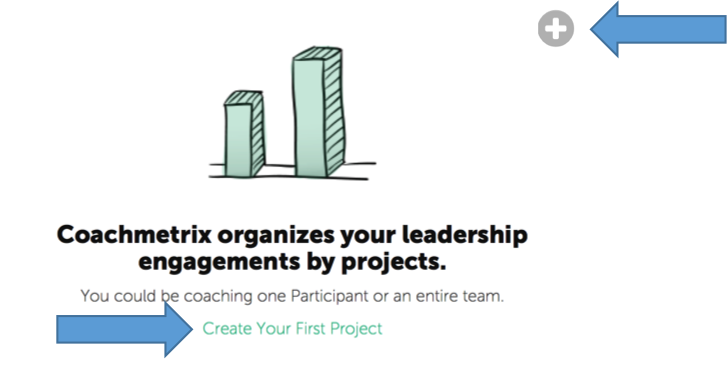
To create your first Project, click on the “Create Your First Project Link” or “+”.
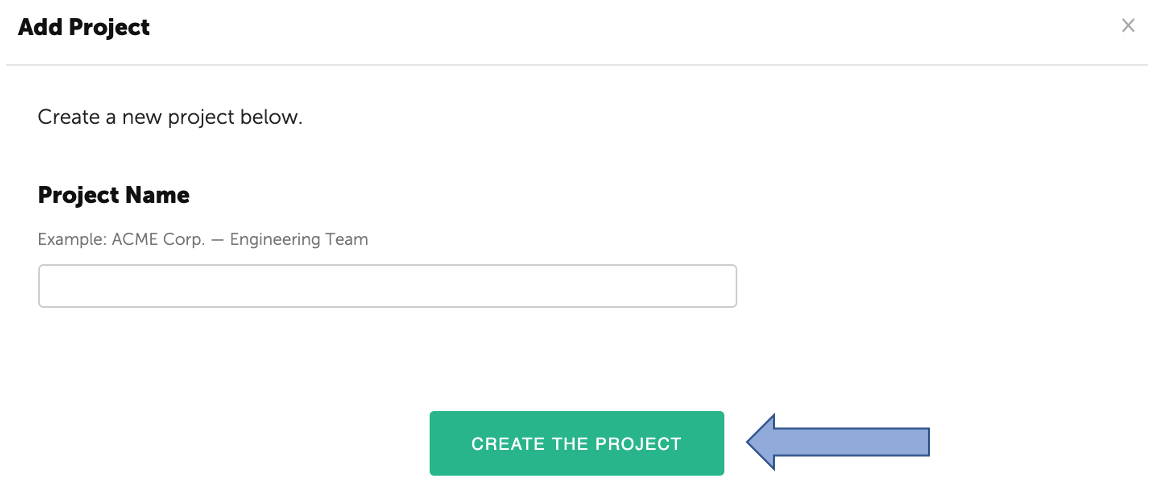
Enter the Project Name.
Click "Create the Project."
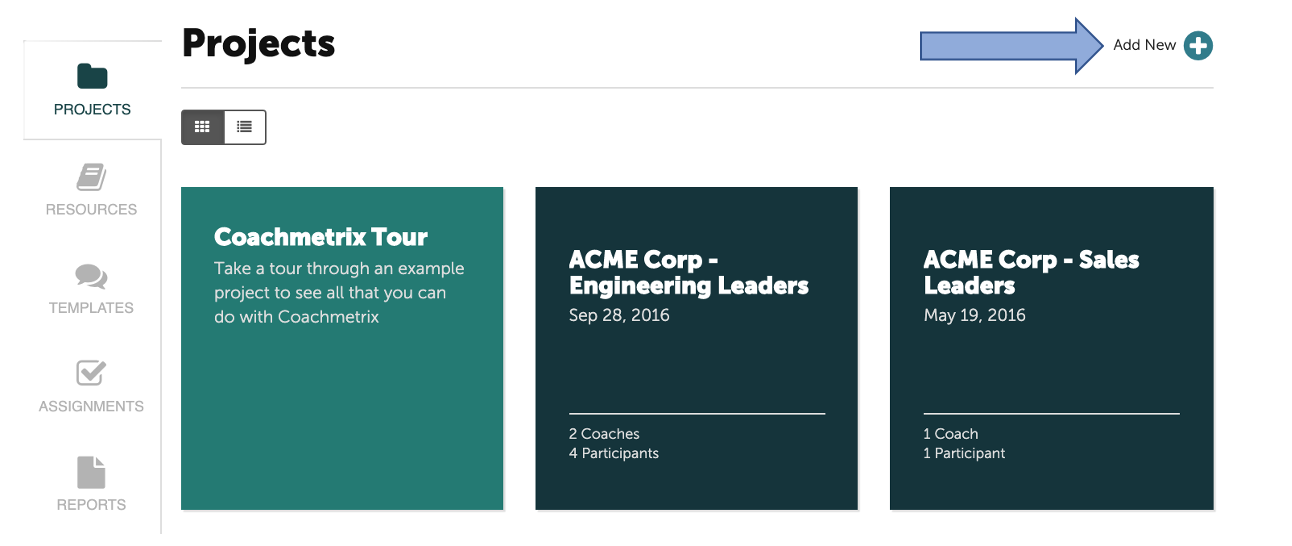
To add a new Project, click on the "Add New+" in the upper right corner of the Project page.
Name your Project, then click "Create the Project."