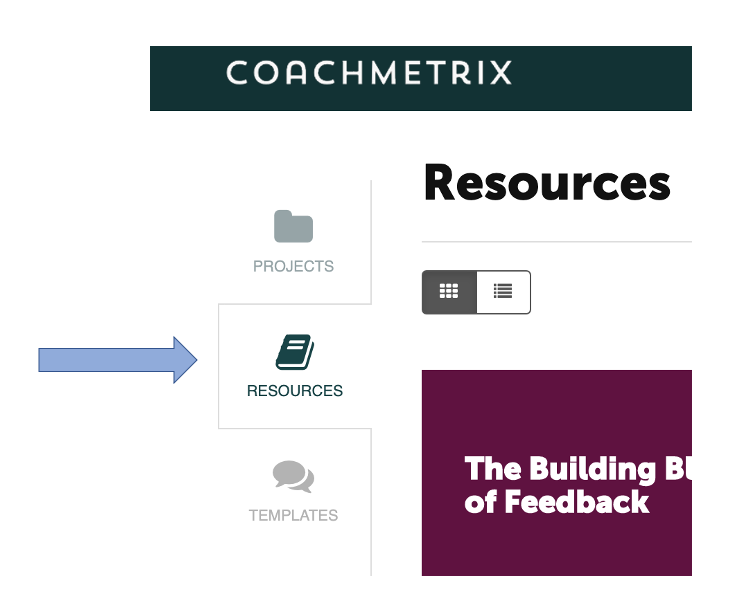
To delete a Resource completely, navigate to the Resource area of Coachmetrix by clicking on your Resources tab.
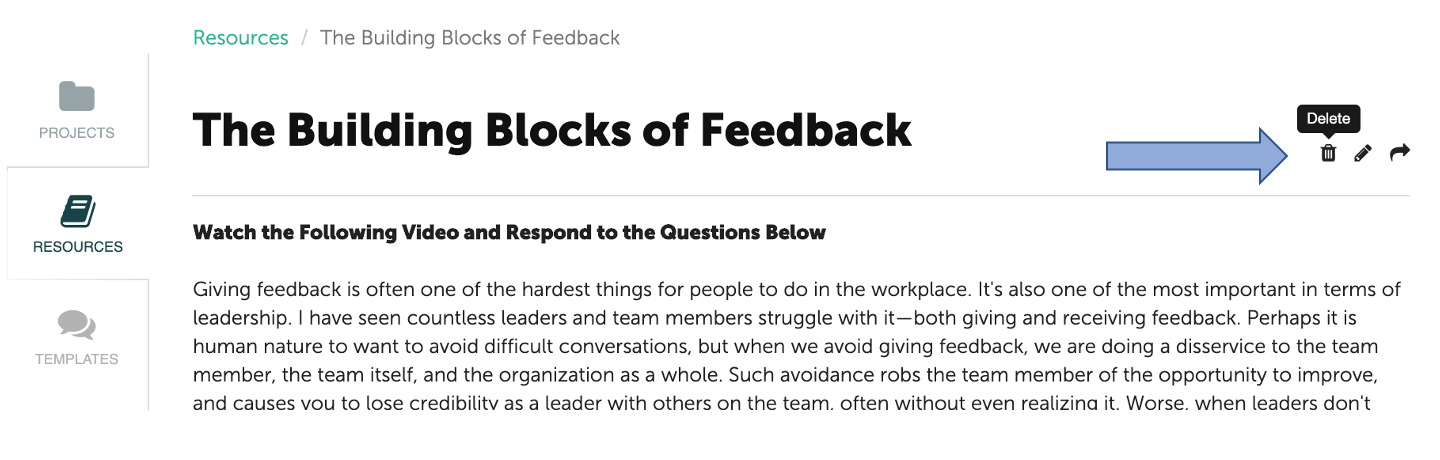
Click on the Resource or Collection tile that you wish to delete. While inside the Resource or Collection, click the trash bin icon in the upper right corner to select Delete.
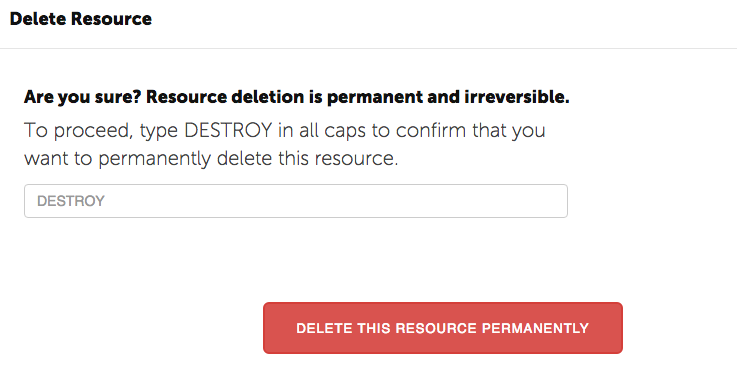
Type DESTROY in all caps and click “Destroy this Resource Permanently”.