

Resources can be shared with other Coaches on the team.
Coaches may keep Resources Private where only they can view and share with their Participants or may opt to move a Resource to the Shared page where other Coaches on the account may access and share with their participants.
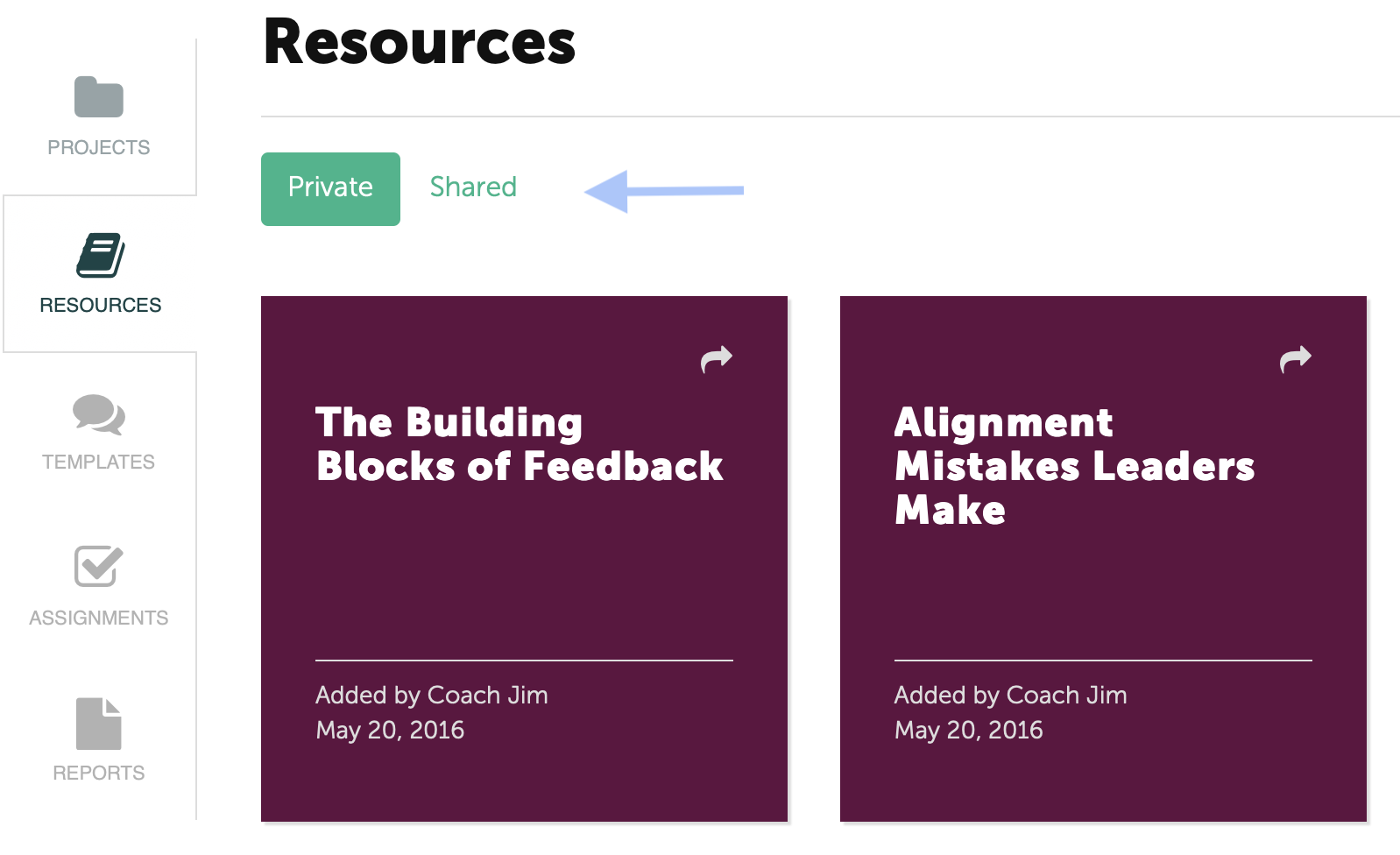
Moving a Resource to the Shared page
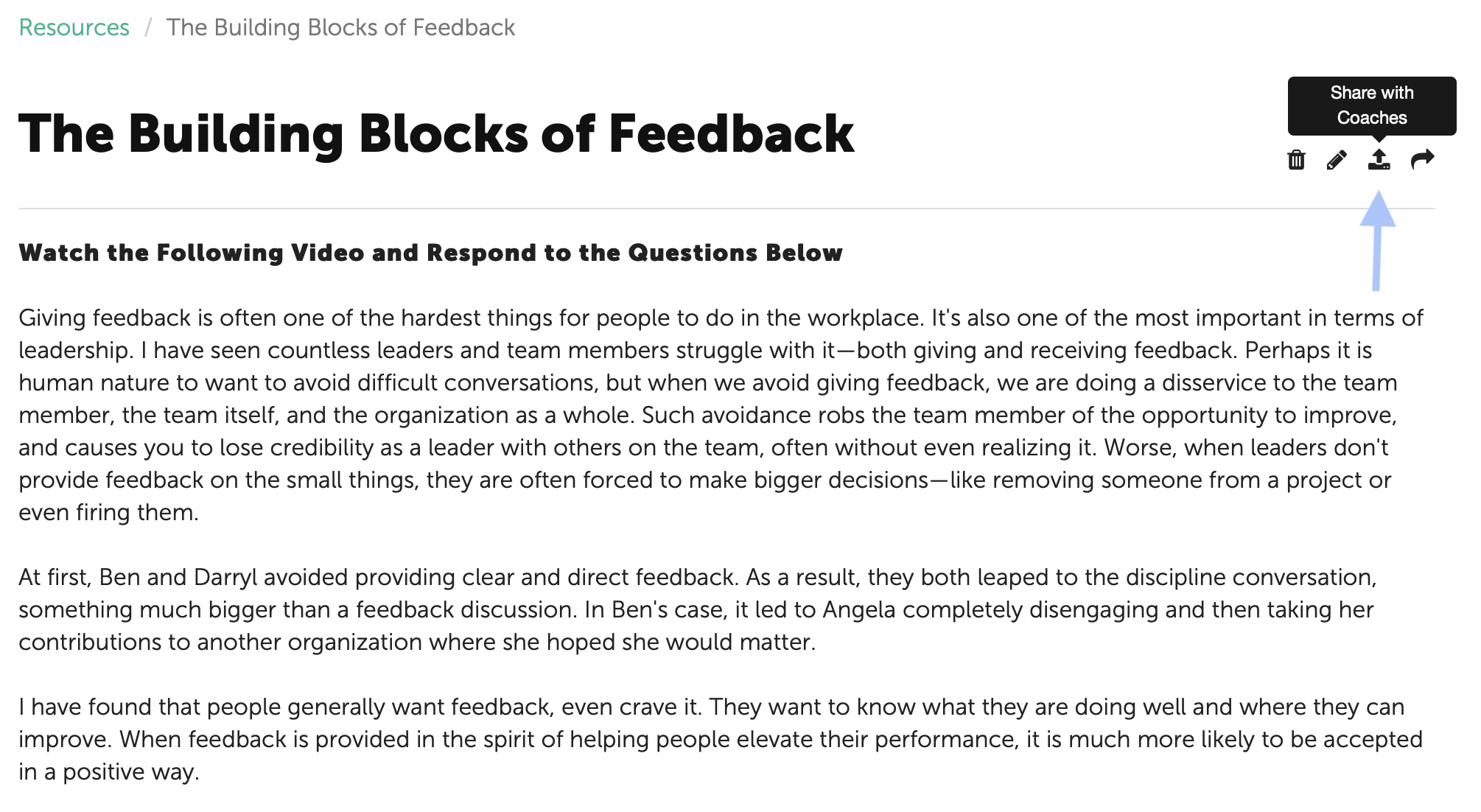
First select the tile of the Resource to be shared. Then click on the icon in the top right corner.
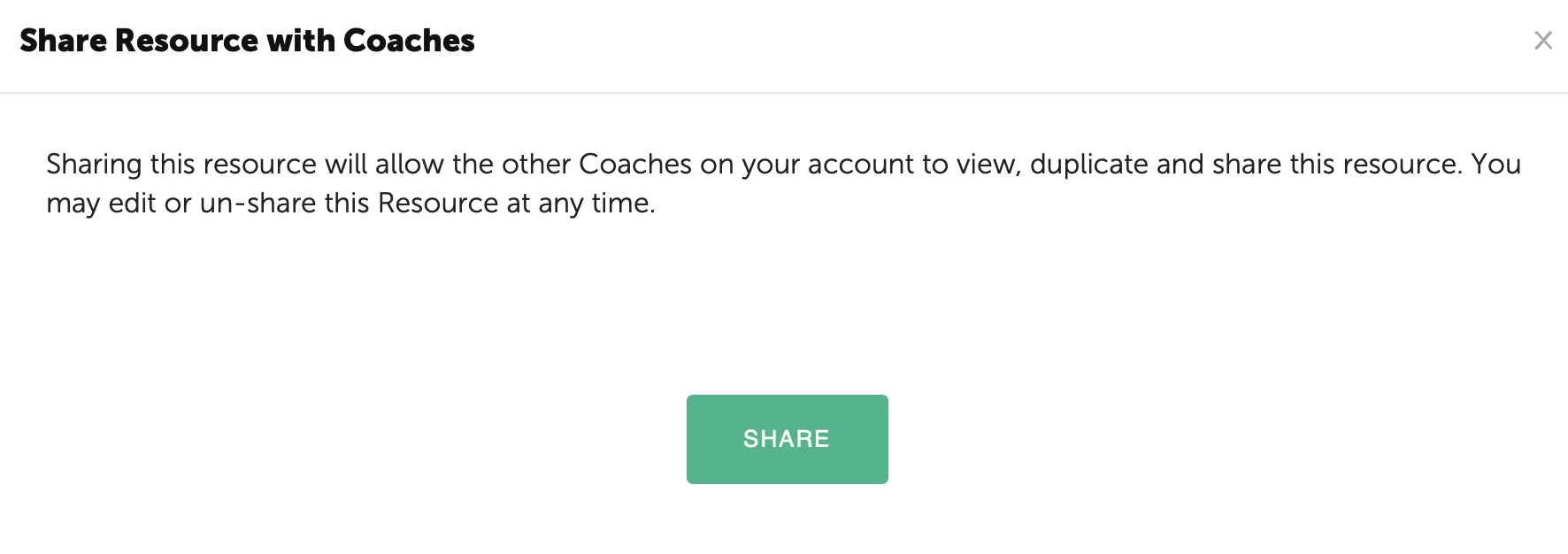
Finally, confirm by clicking the green "Share" button.
The other Coaches can view the shared Resource by toggling to the Shared page. The name of the Coach that shared the Resource is displayed as well as the date.
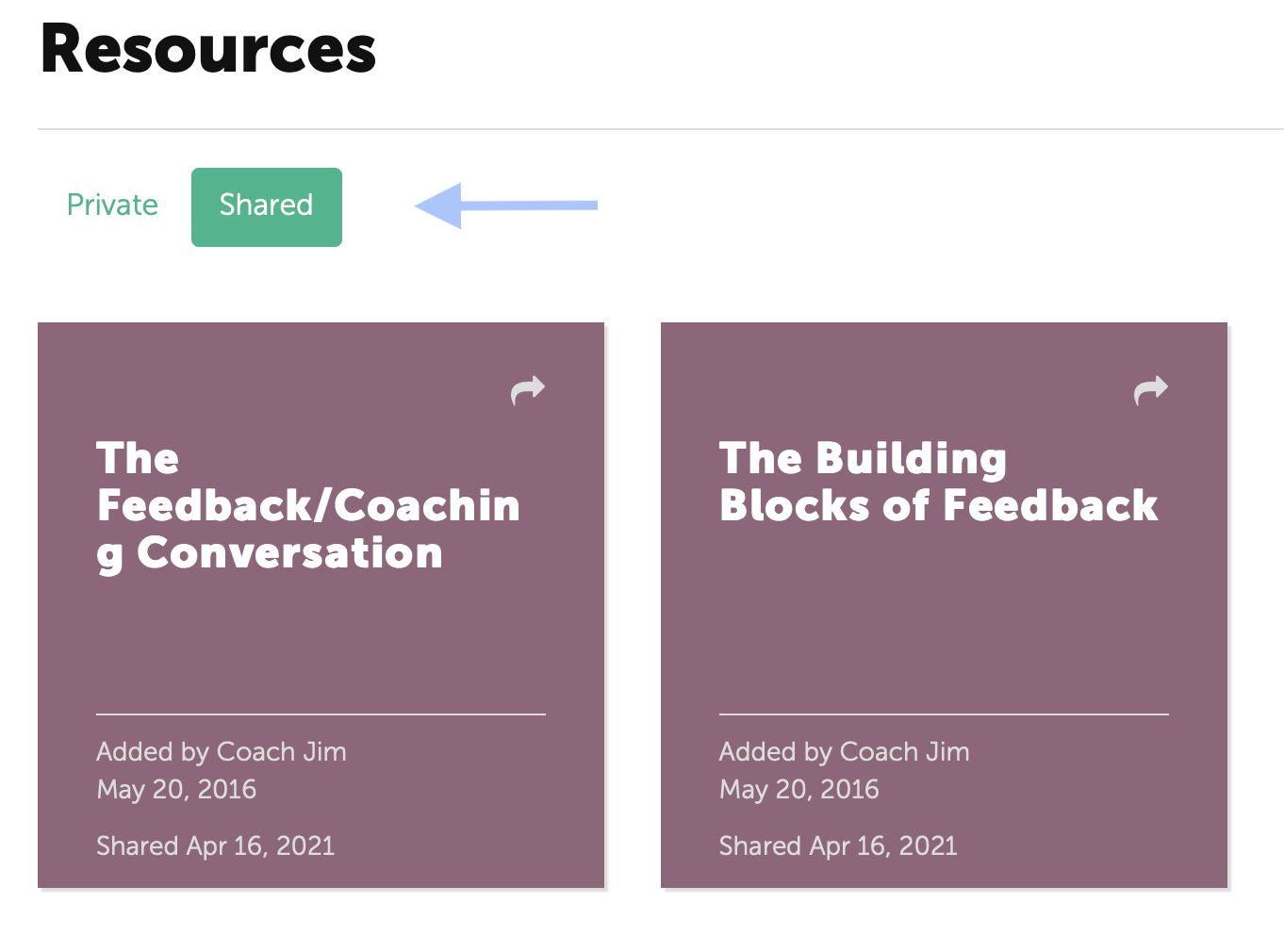
Coaches may share Resources on the Shared page with their Participants by clicking the arrow in the top right corner of the tile. (See Sharing a Resource with a Participant for more information.)
Stop Sharing a Resource
A Coach may decide to stop sharing a Resource with the other coaches. First on the Shared page, click on the Resource. Then click the icon in the top right corner to stop sharing.
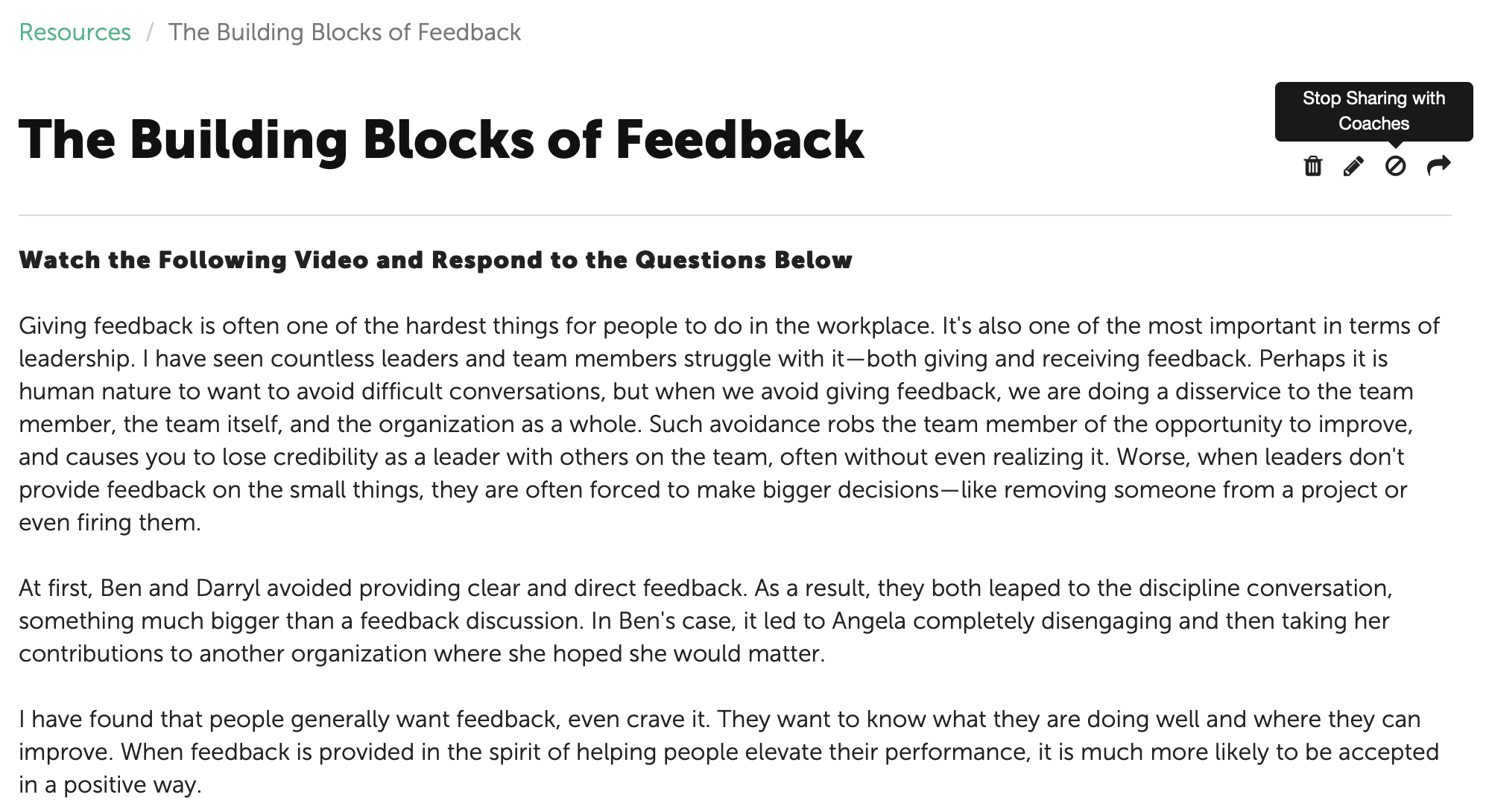
Finally, confirm that you would like to stop sharing the Resource.
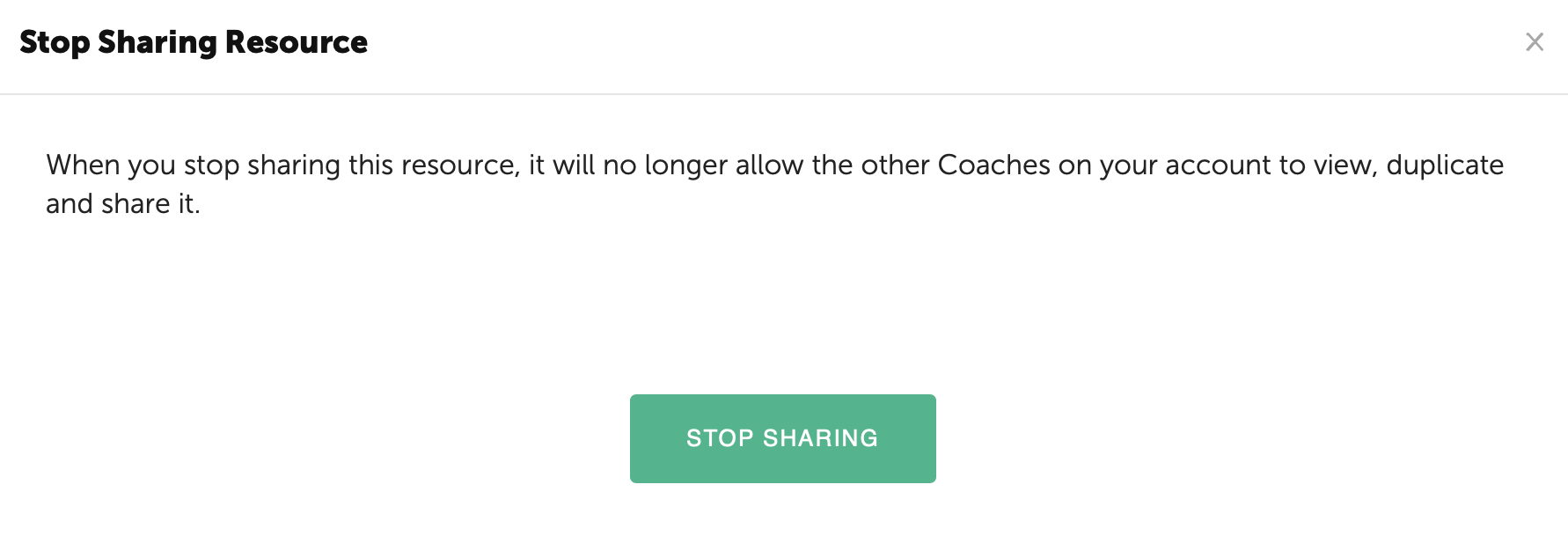
The Resource will move to the Private Resource page and no longer be accessible.
NOTE: Instances where the Resource has been shared with a Participant previously will remain available to the Participant for which it was assigned.