
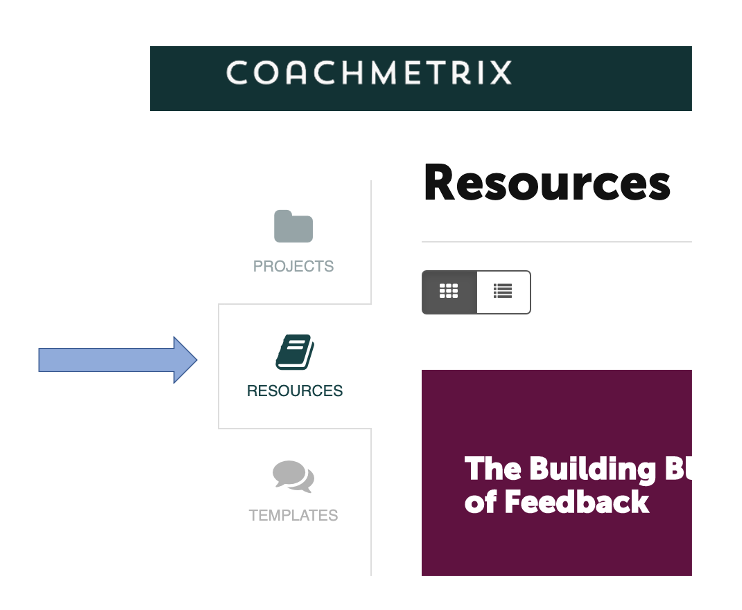
To Edit a Resource, click on Resources in your menu on the left side of the page.
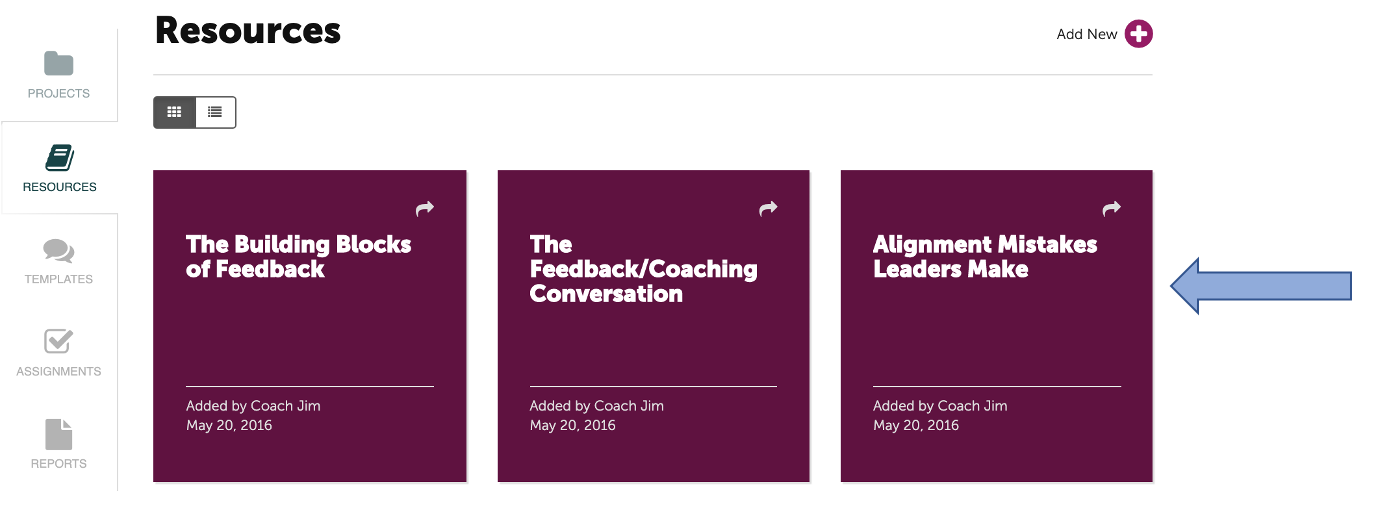
Select the Resource you wish to edit.
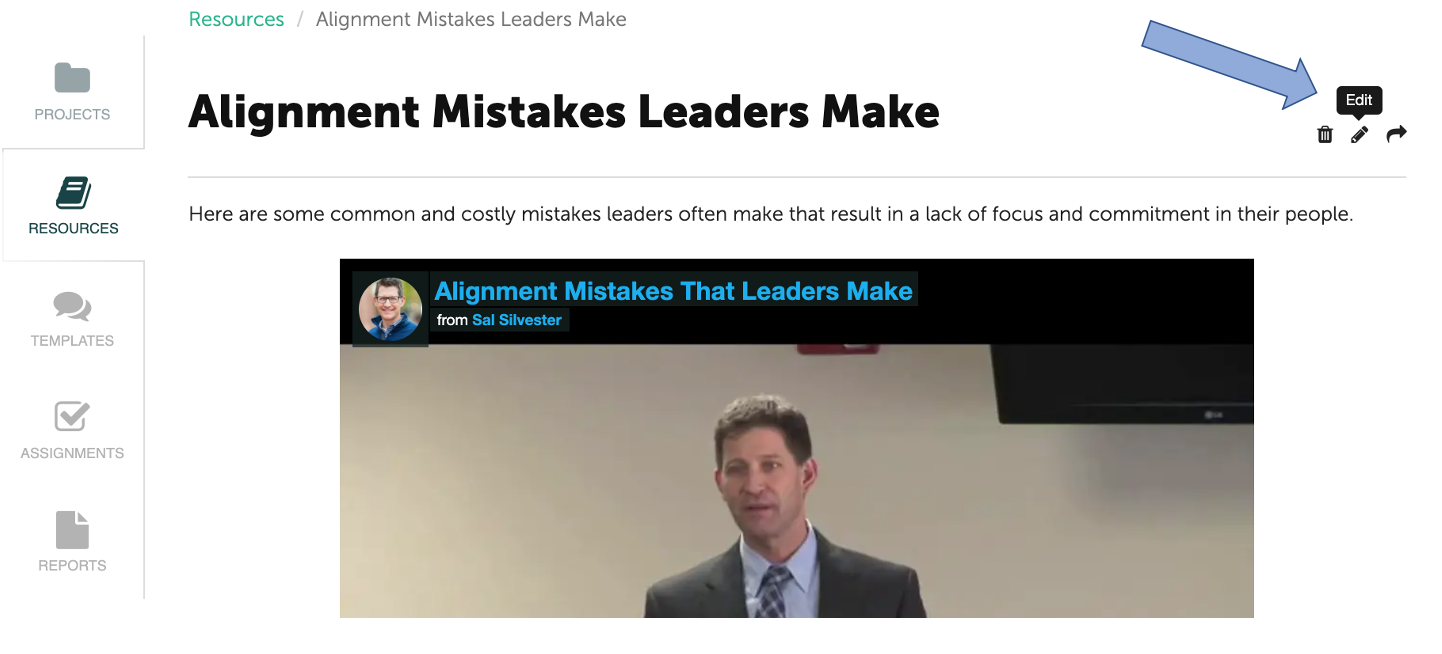
Then click the pencil icon to begin editing the Resource.
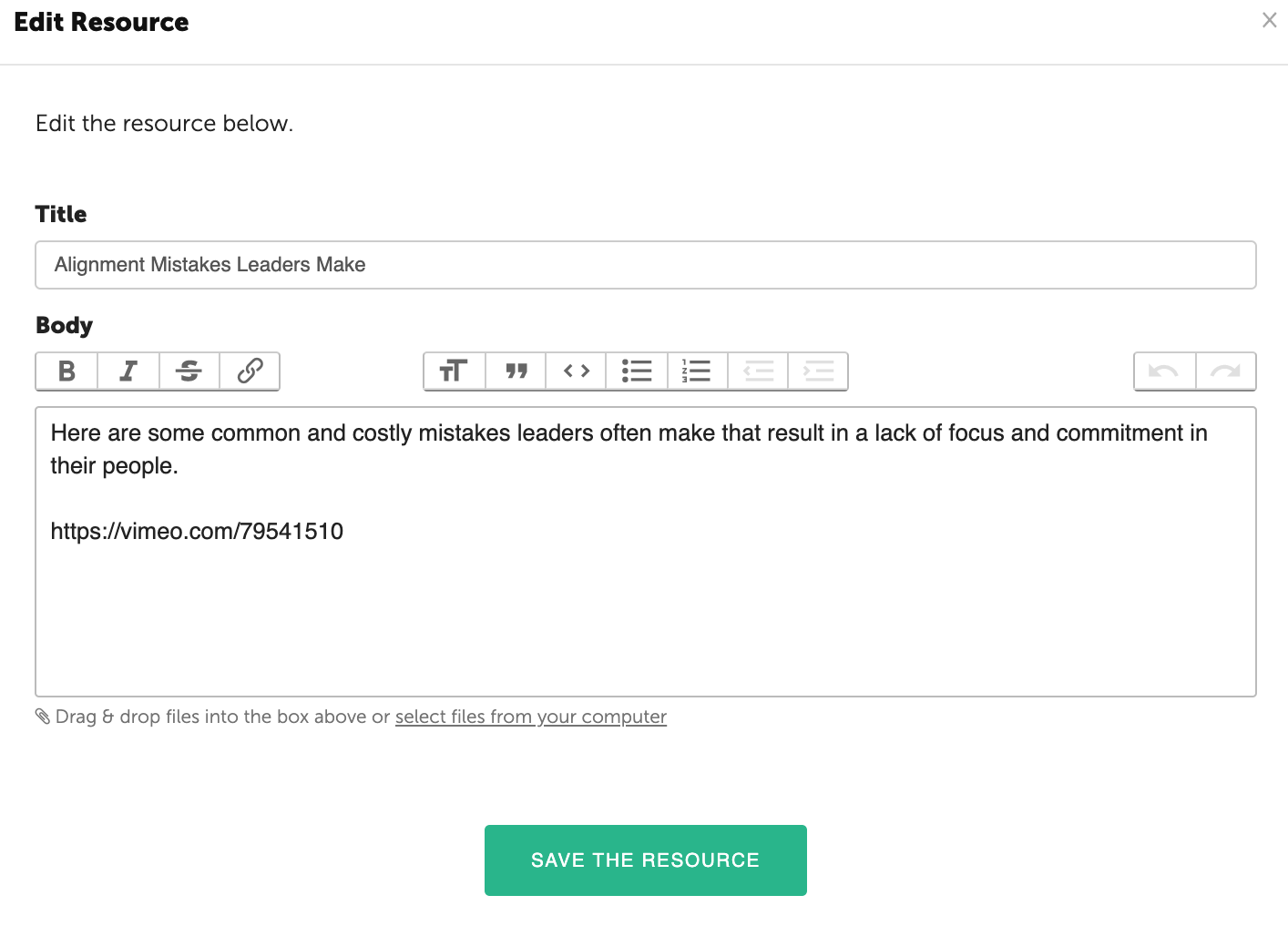
Then click “Save the Resource” and your Resource will be updated.

What are you looking for?
Get help straight from the team at Coachmetrix...
Resources and Collections
Last updated on 06 Nov, 2025
To Edit a Resource, click on Resources in your menu on the left side of the page.
Select the Resource you wish to edit.
Then click the pencil icon to begin editing the Resource.
Then click “Save the Resource” and your Resource will be updated.