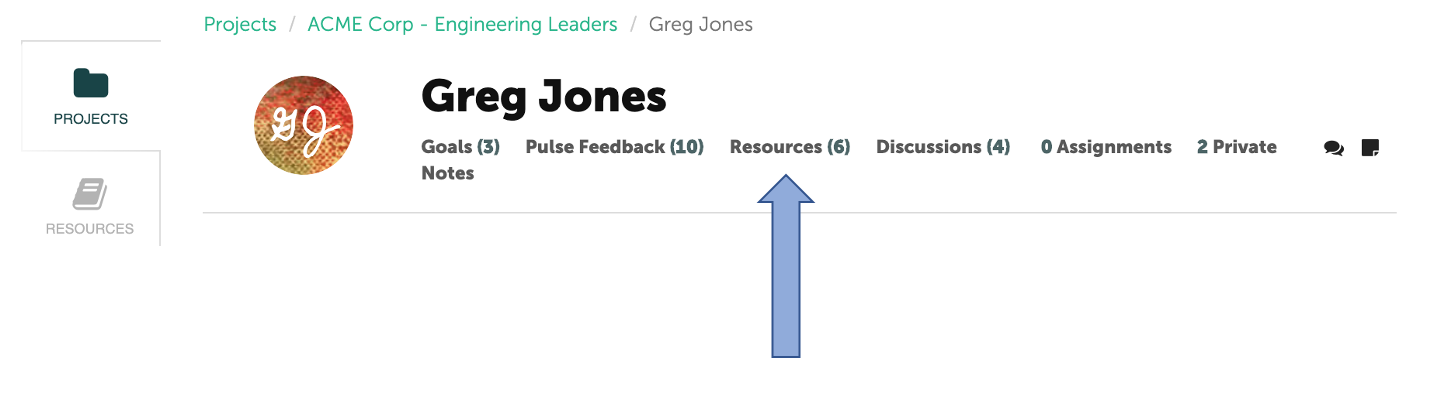
To remove a Resource or Collection that you have already shared with a Participant, click into the Participant’s tile. Then click on the Resources link at the top of the Participant’s page.
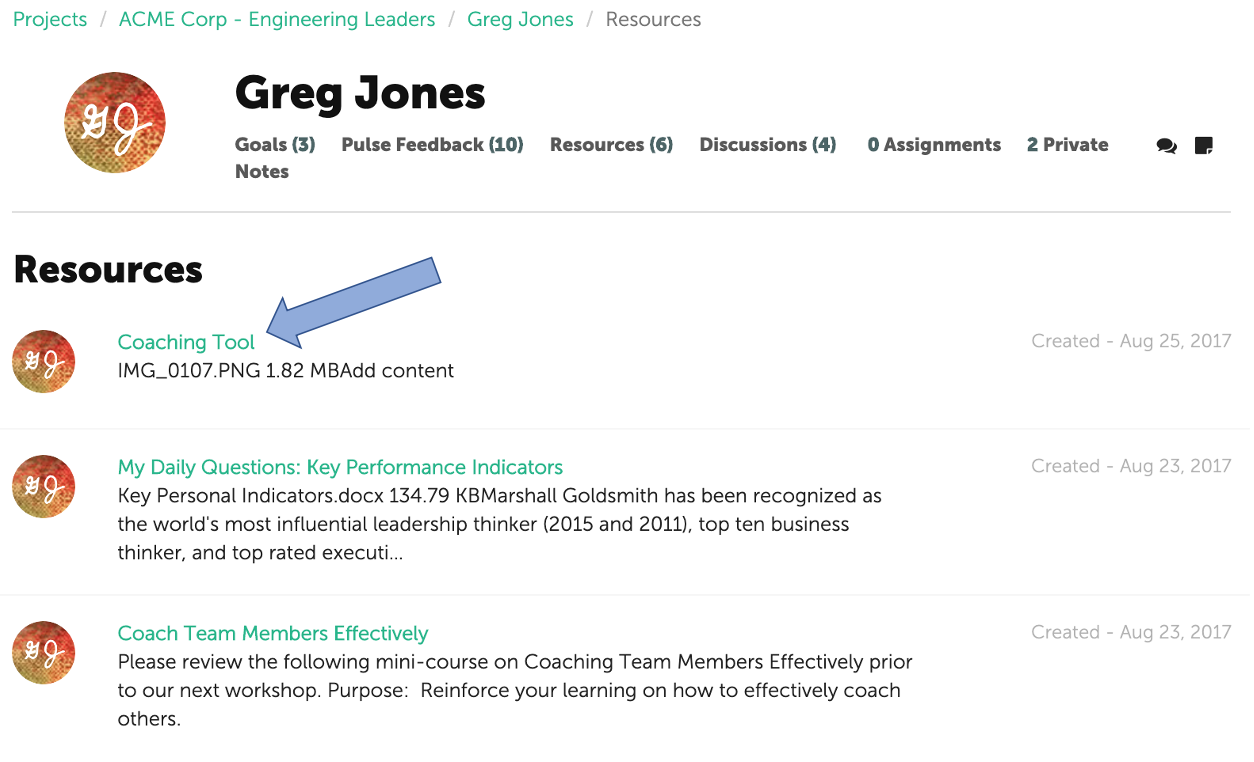
From the list of Resources and Collections that appear, select the Resource or Collection you wish you remove.
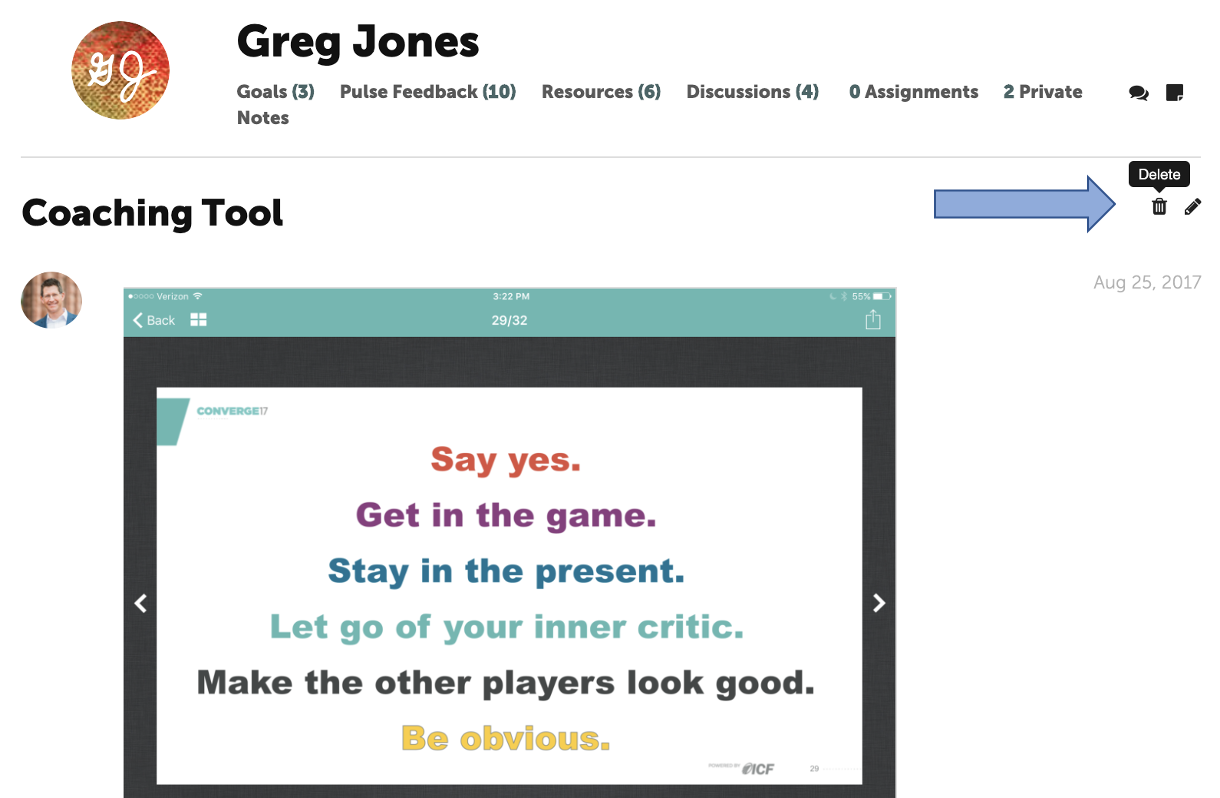
Click on the trash bin to select Delete.
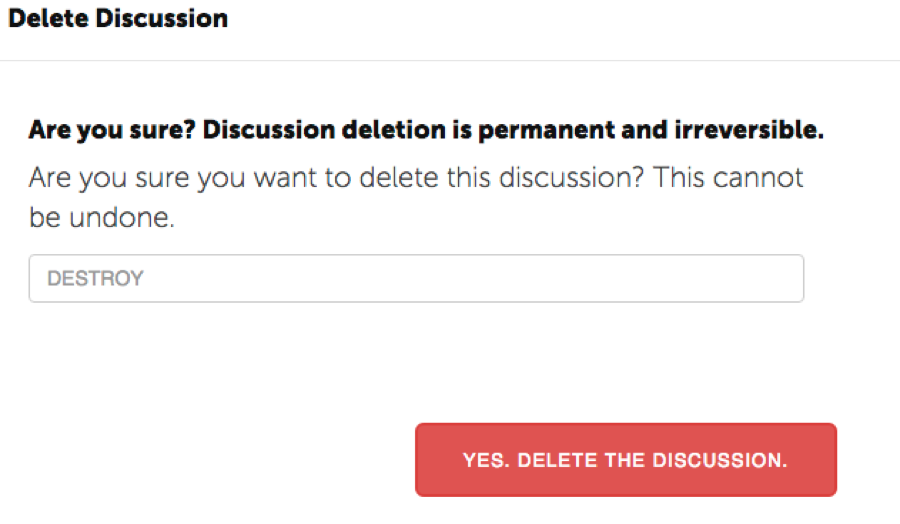
Type DESTROY in all caps and click “Yes, Delete this Discussion”.