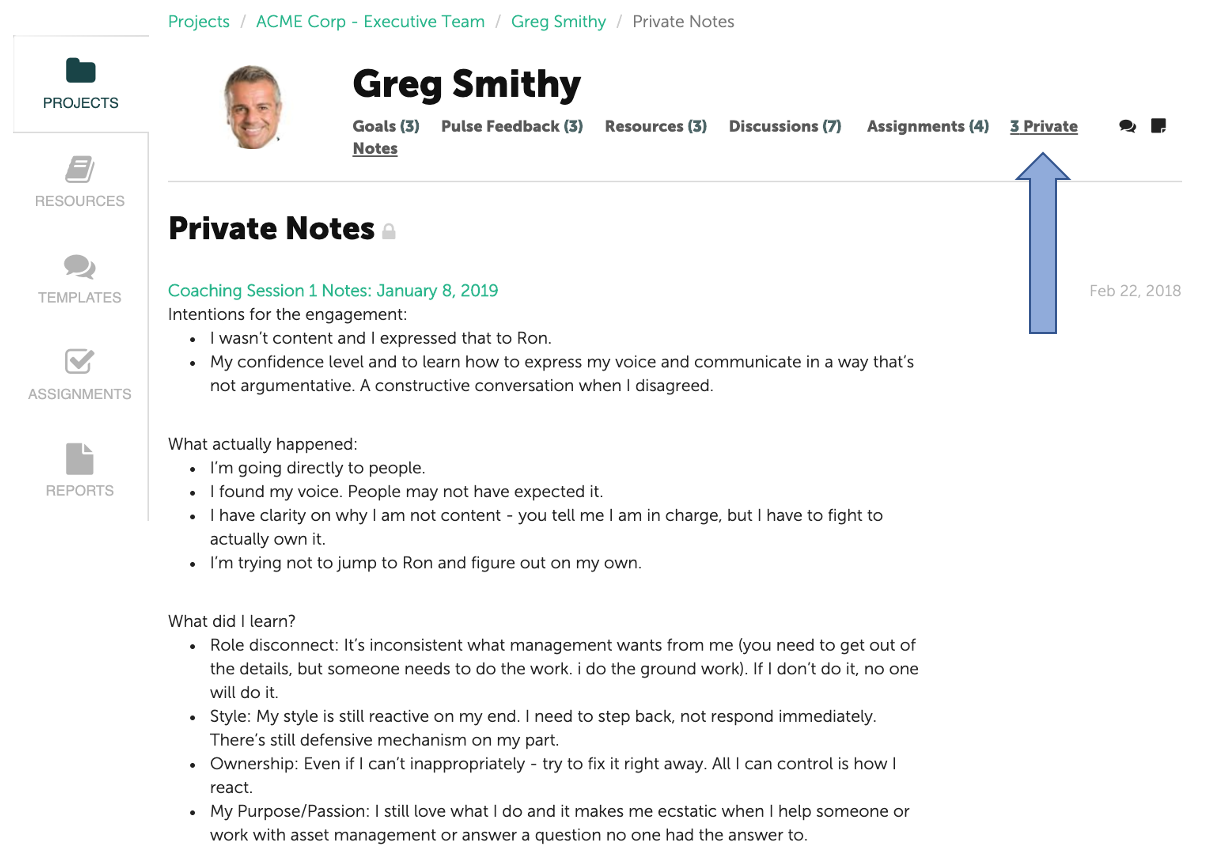
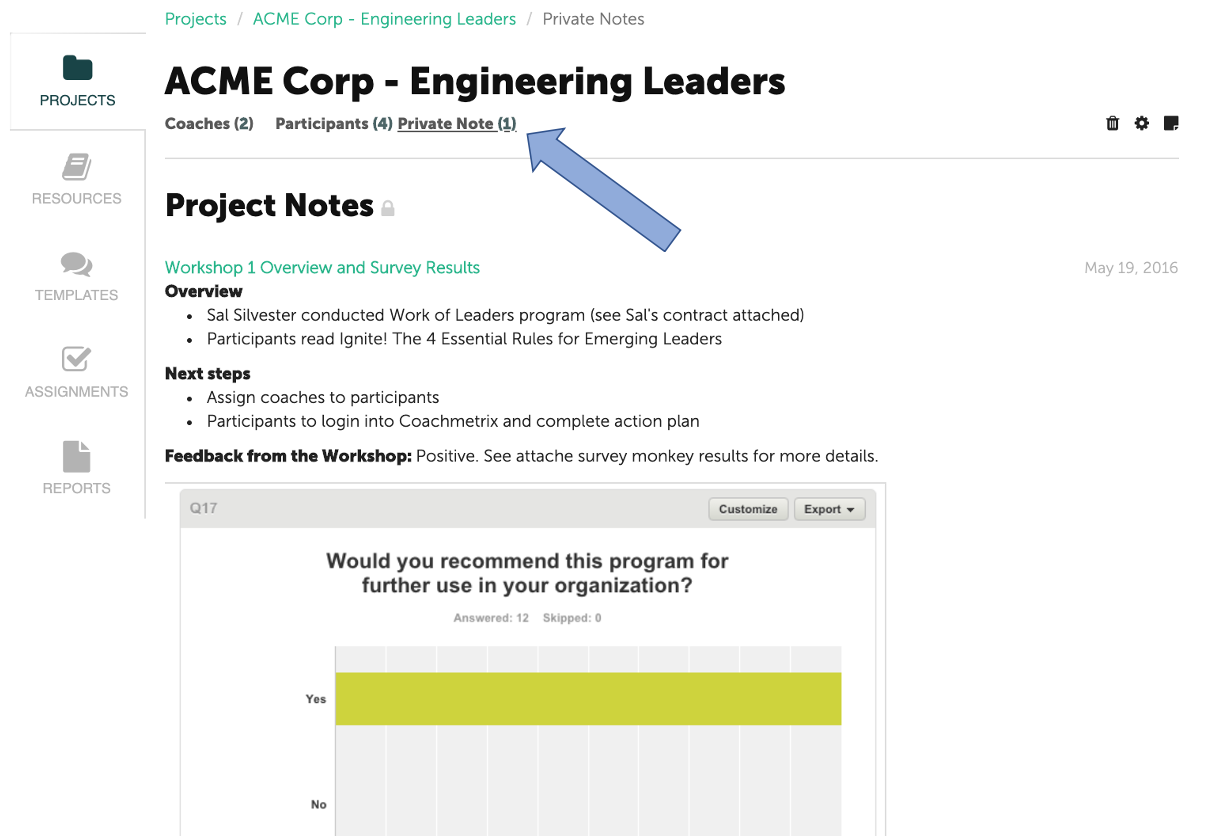
To edit or delete a Private Note, first navigate to either the Participant level or Project level Private Note.
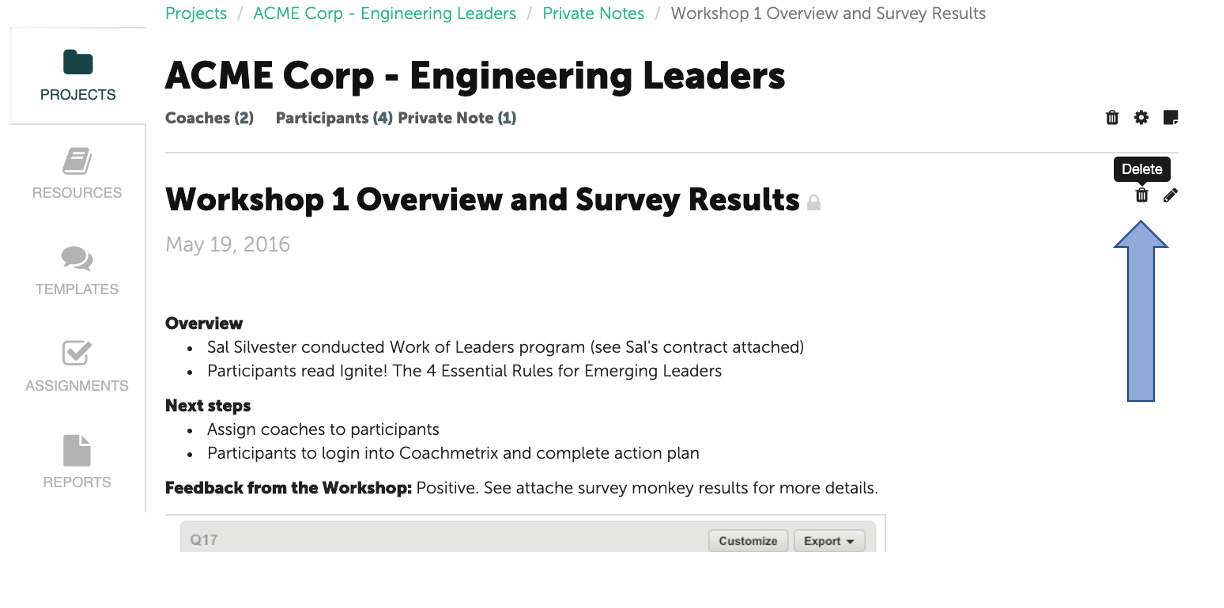
Click into the Private Note, and you will be able to delete it by selecting the trash bin icon, or edit the note by selecting the pencil icon in the upper right corner.