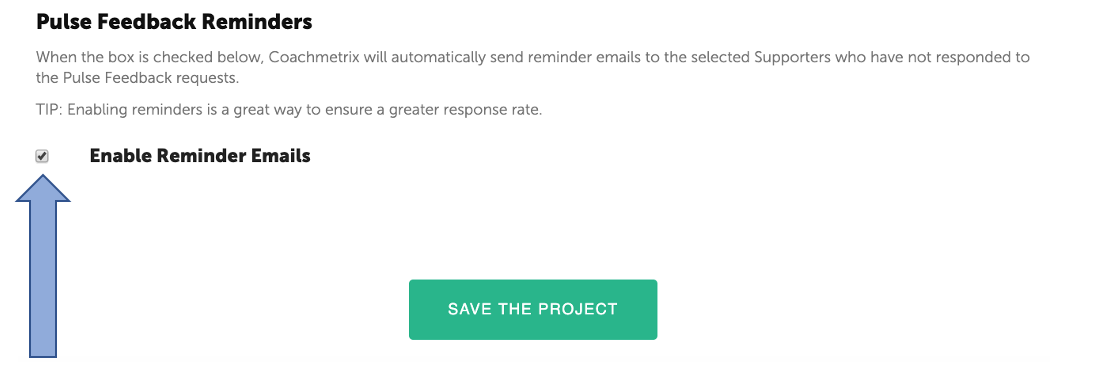
A Coach can enable “Feedback Reminders” for the platform to automatically send reminder emails to Supporters that have not responded to a Pulse Feedback requests. Reminders are sent every other day after the initial Pulse Feedback request (this applies to immediate and automated requests). A total of three reminders are sent.
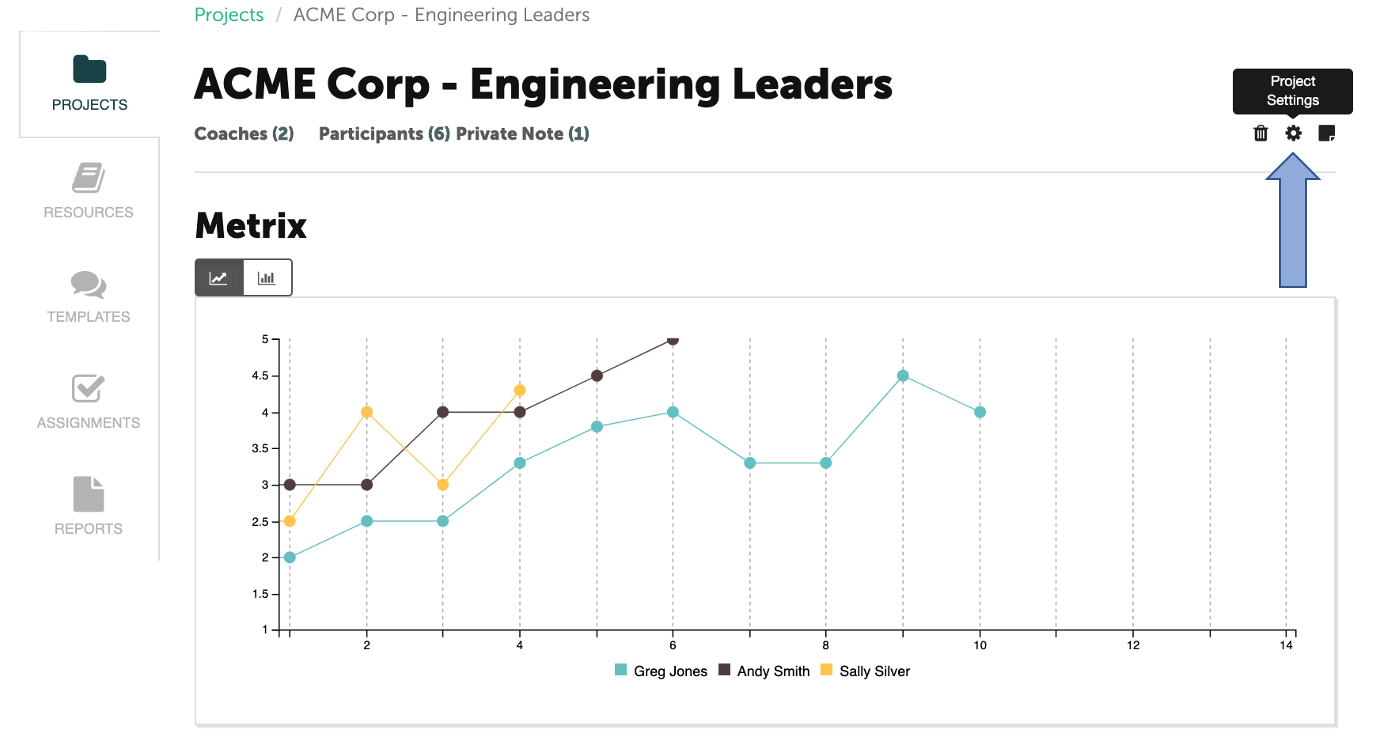
To enable reminders, click the Project Setting icon (the gear at the upper right on your project page).
Scroll to the bottom of the page to the “Pulse Feedback Reminders” section. Click on the Enable Reminders box. Click on the green “Save the Project” button.
NOTE: Project Settings apply to all of the Participants on the Project.