
Logo

What are you looking for?

Get help straight from the team at Coachmetrix...

How do I upload a photo or image to my account?

Account Support

How do I upload a photo or image to my account?

Last updated on 06 Nov, 2025

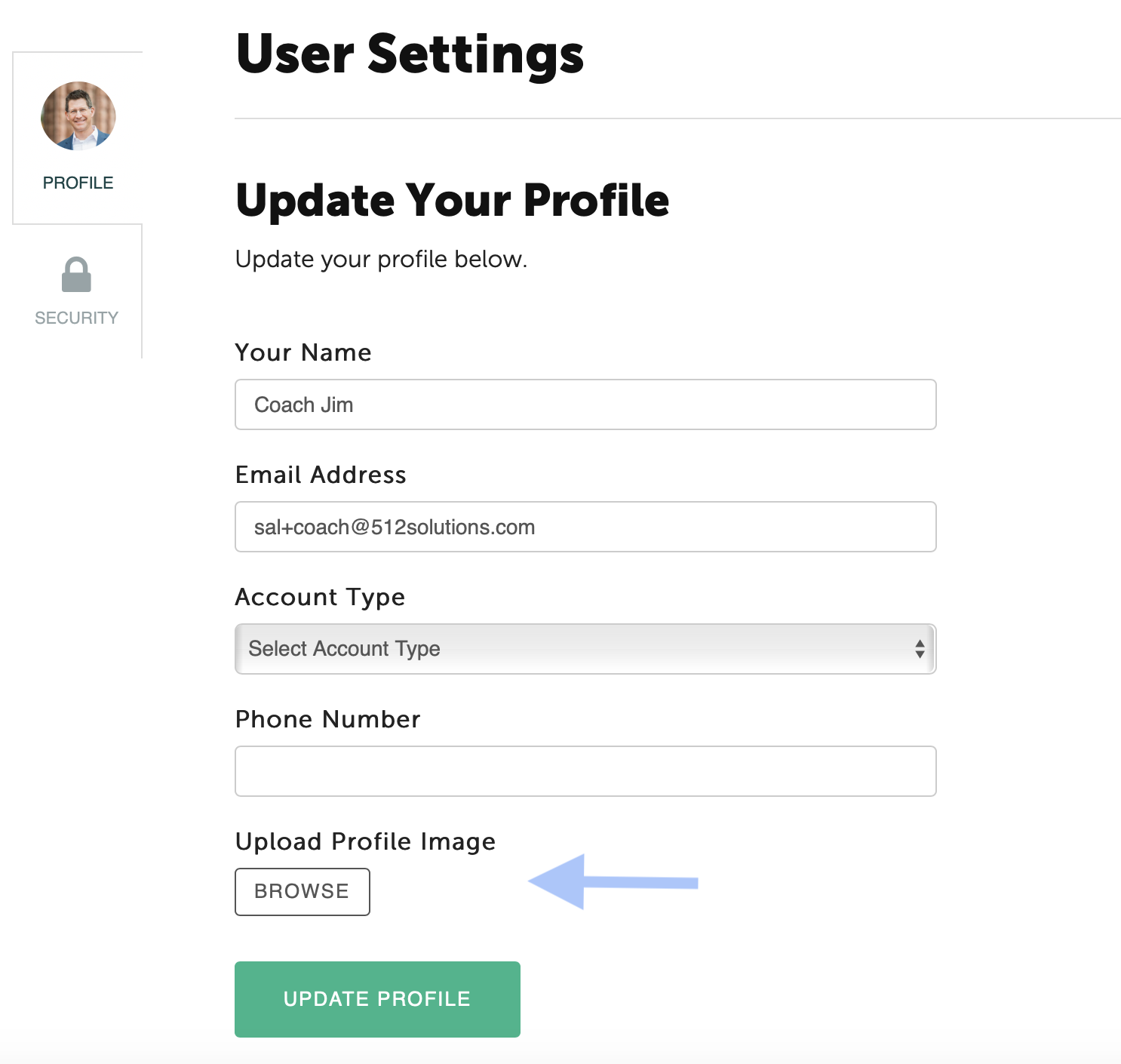
Once you have logged into you account, click on your name at the top right corner of the page. Select User Settings from the drop down menu. Under Upload Profile Image, click the Browse button to select your image or photo. Finally, click the green Update Profile button. 
Image
Did you find this article helpful?
Previous

What messages from the Coachmetrix system can I customize (to Coaches, Participants, and Supporters)?

Next