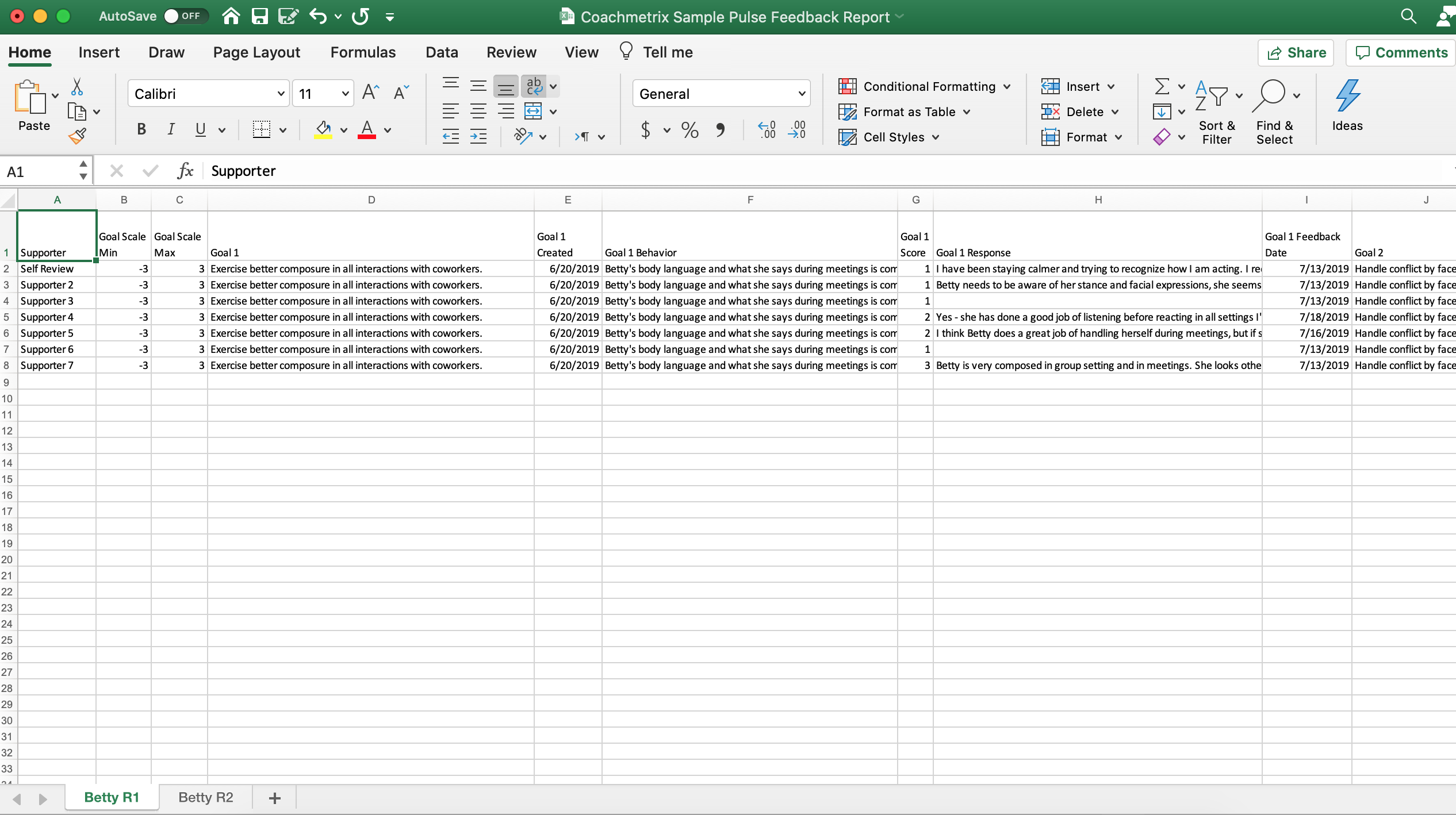
Coachmetrix Reports are accessible by selecting the Reports tab from the Coach’s Dashboard.
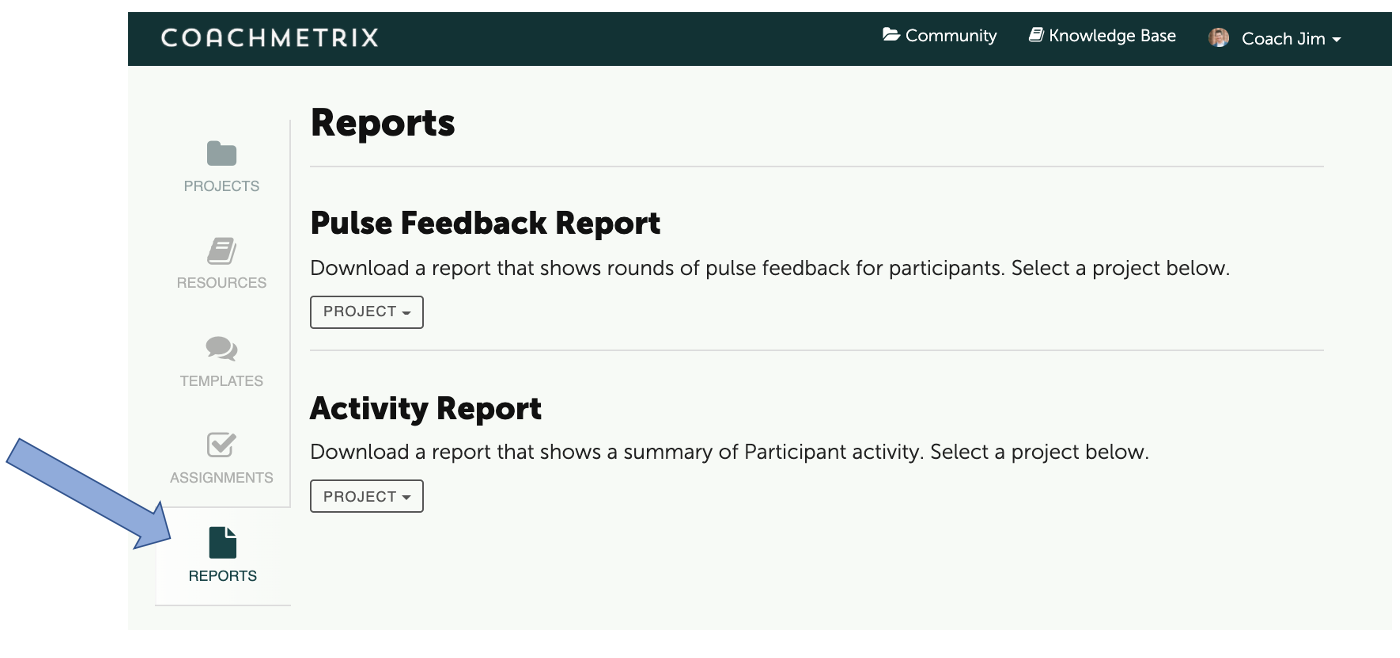
The available reports are displayed. Under the Pulse Feedback Report, select the Project from the drop down menu. A coach can choose to report on any of their current or former projects.
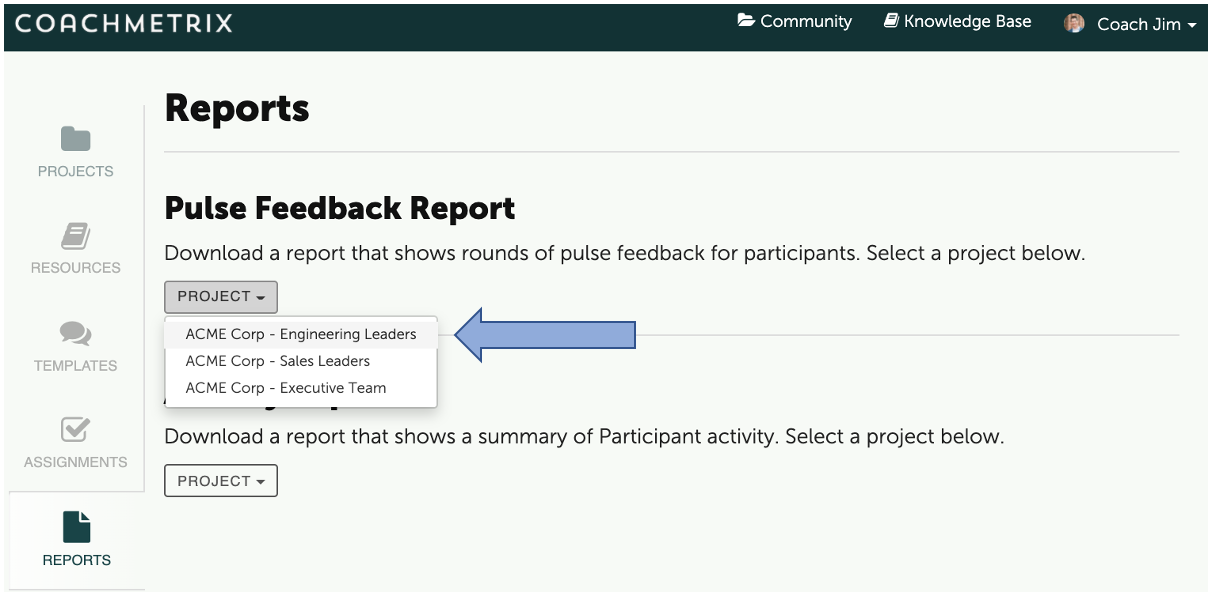
Once a project is selected, a list of all Participants in the Project will be displayed. Select the Participant(s) and click the Submit button at the bottom.
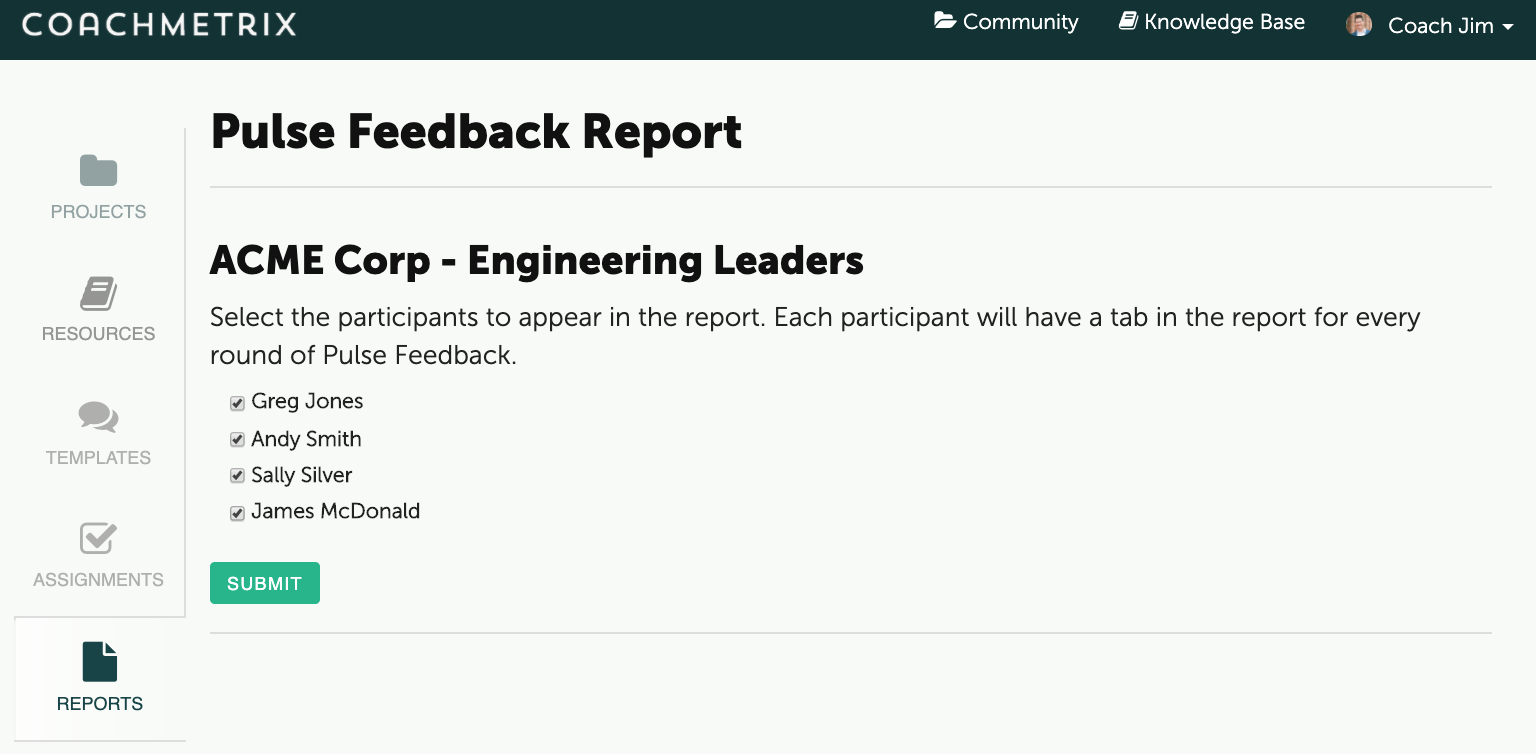
The data will download to a CSV file for review and easy formatting / manipulation.