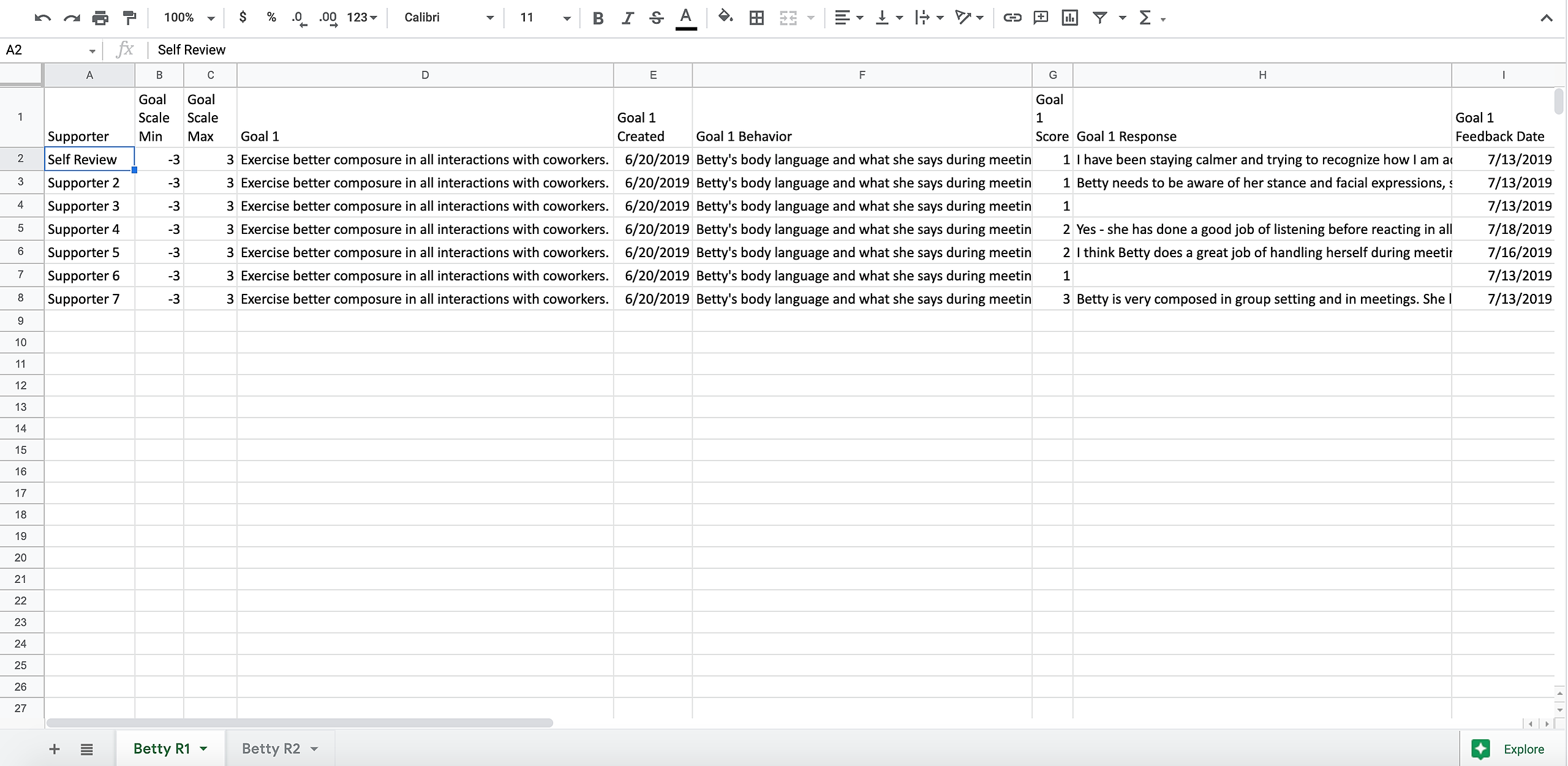
Coachmetrix data is available for download by Coaches. This allows Coaches to control what information is shared and with whom.
Start by selecting the Reports tab on the bottom left from the Coach’s portal.
First, a Coach selects the Report and the Project. Then, click the Next button.
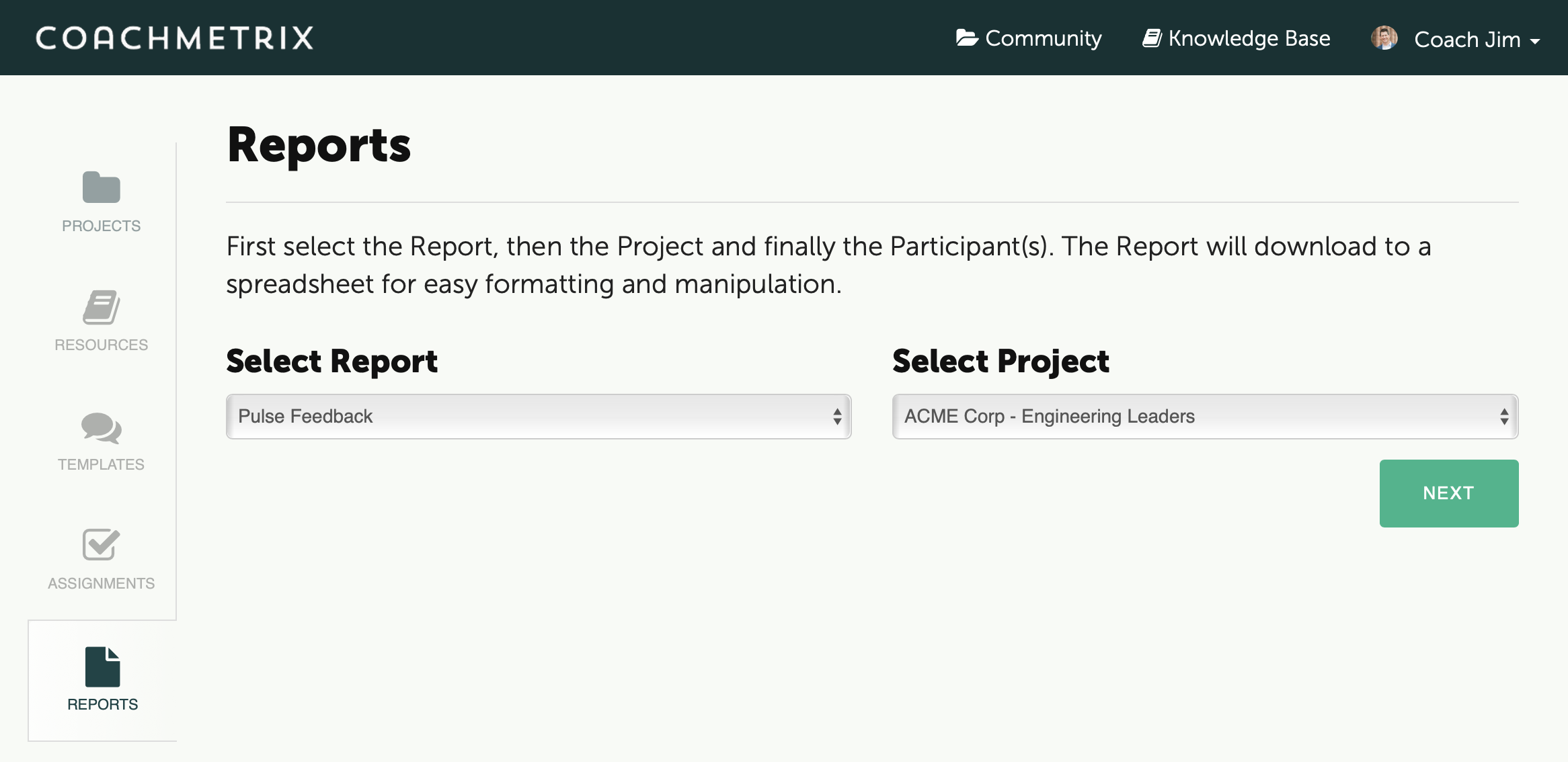
Available Reports:
Pulse Feedback Report - data from the Participant's action plan (goals, behaviors), the Pulse Feedback scale, Supporter assessment scores, responses and associated dates for each Pulse Feedback round.
Activity Report - summary data of the Participant's progress
Assignments Report - status of the Participant's assigned tasks
Action Plan Report - download of the Participant's goals, behaviors, and detailed plan
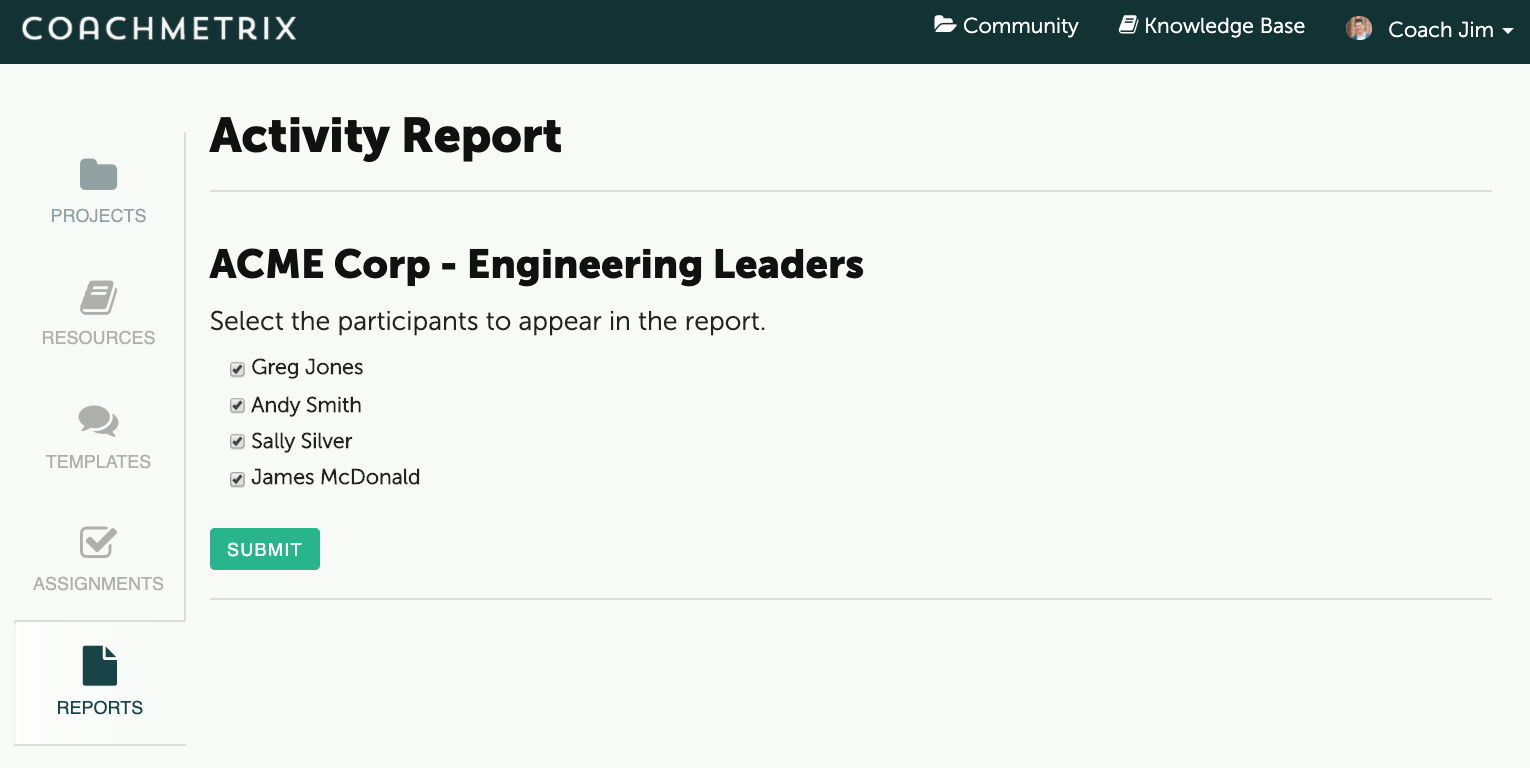
Finally, select the Participant(s) to be included in the Report.
The data will download to a spreadsheet for review and easy formatting/manipulation.