

Both the Coach and Participant can send messages to Supporters throughout the engagement.
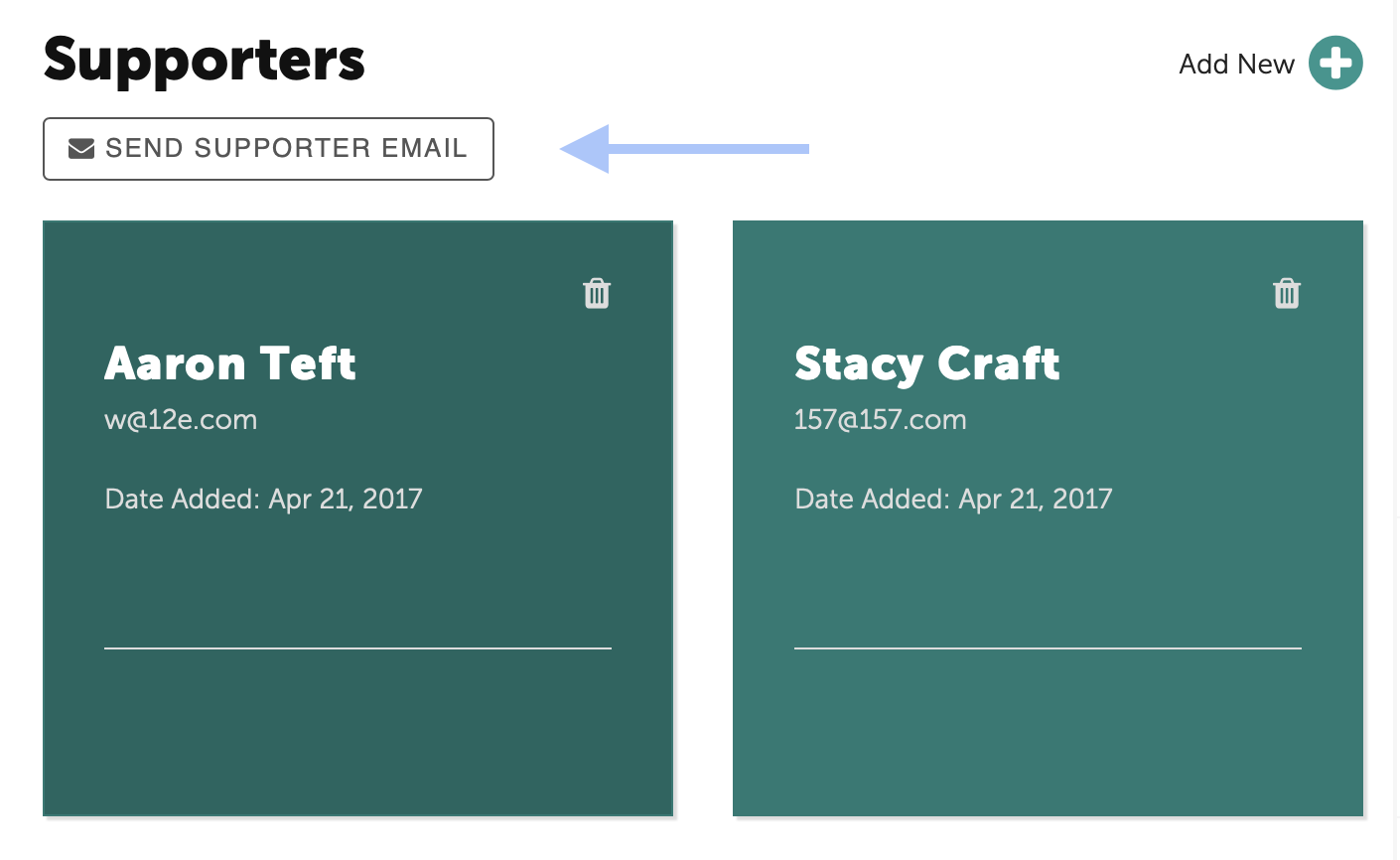
The Supporters are listed below the Participant's Action Plan.
First, click on the Send Supporter email button.
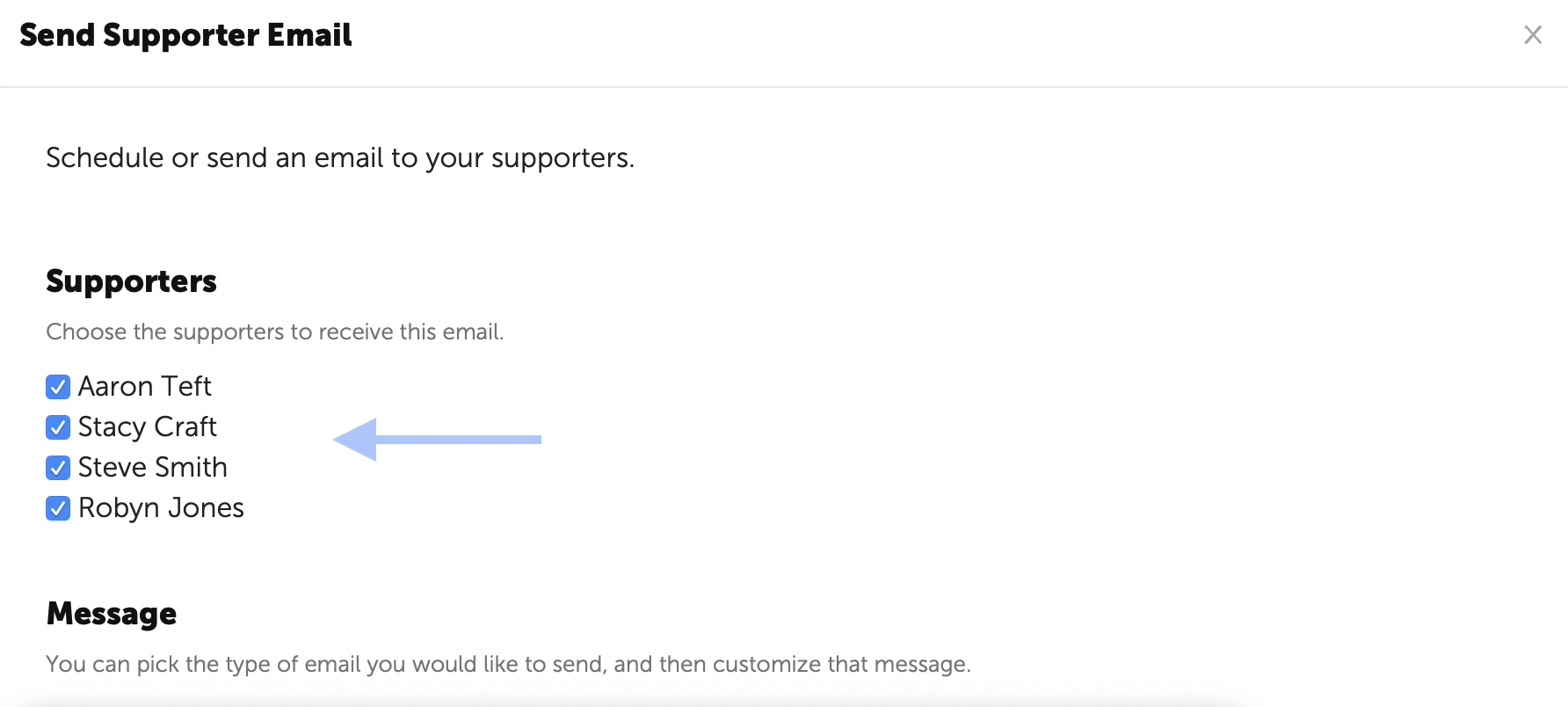
Then check the box next to the name(s) of the Supporters to receive the message.
You may select a message type from the drop down list of messages or create a custom message.
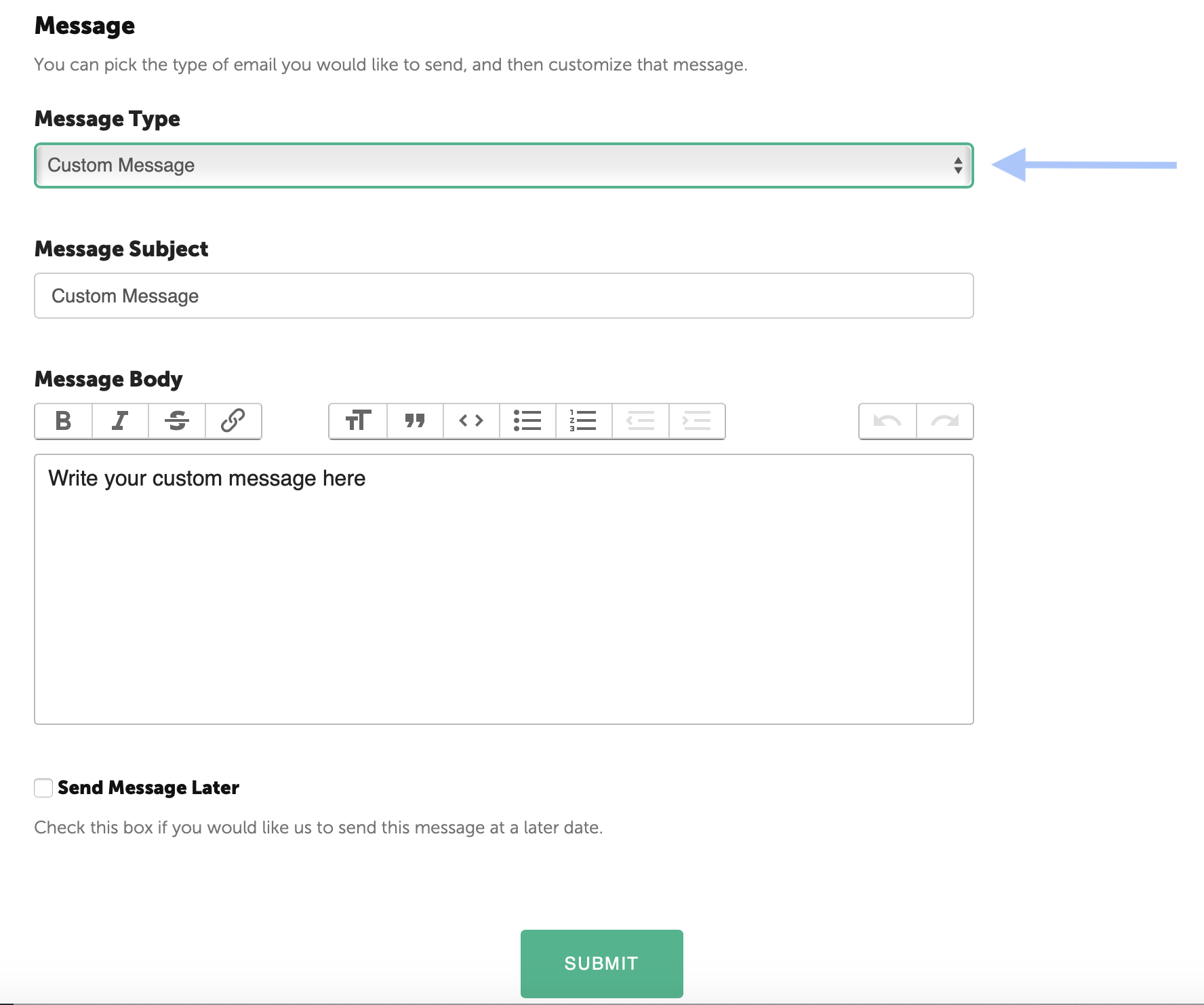
Once you have drafted your subject line and body of the message, click the Submit button at the bottom to send. The email will be delivered immediately.
Scheduling a Message for Delivery
Messages to Supporters can also be created in advance and scheduled for delivery. This may be helpful if you want to provide guidance to the Supporters just prior to them receiving a Pulse Feedback request or to thank them after a Round of Pulse Feedback.
Once the subject and body of the message have been created, check the box next to Send Message Later. A pop-up calendar will allow you to select a date for the message to be delivered.
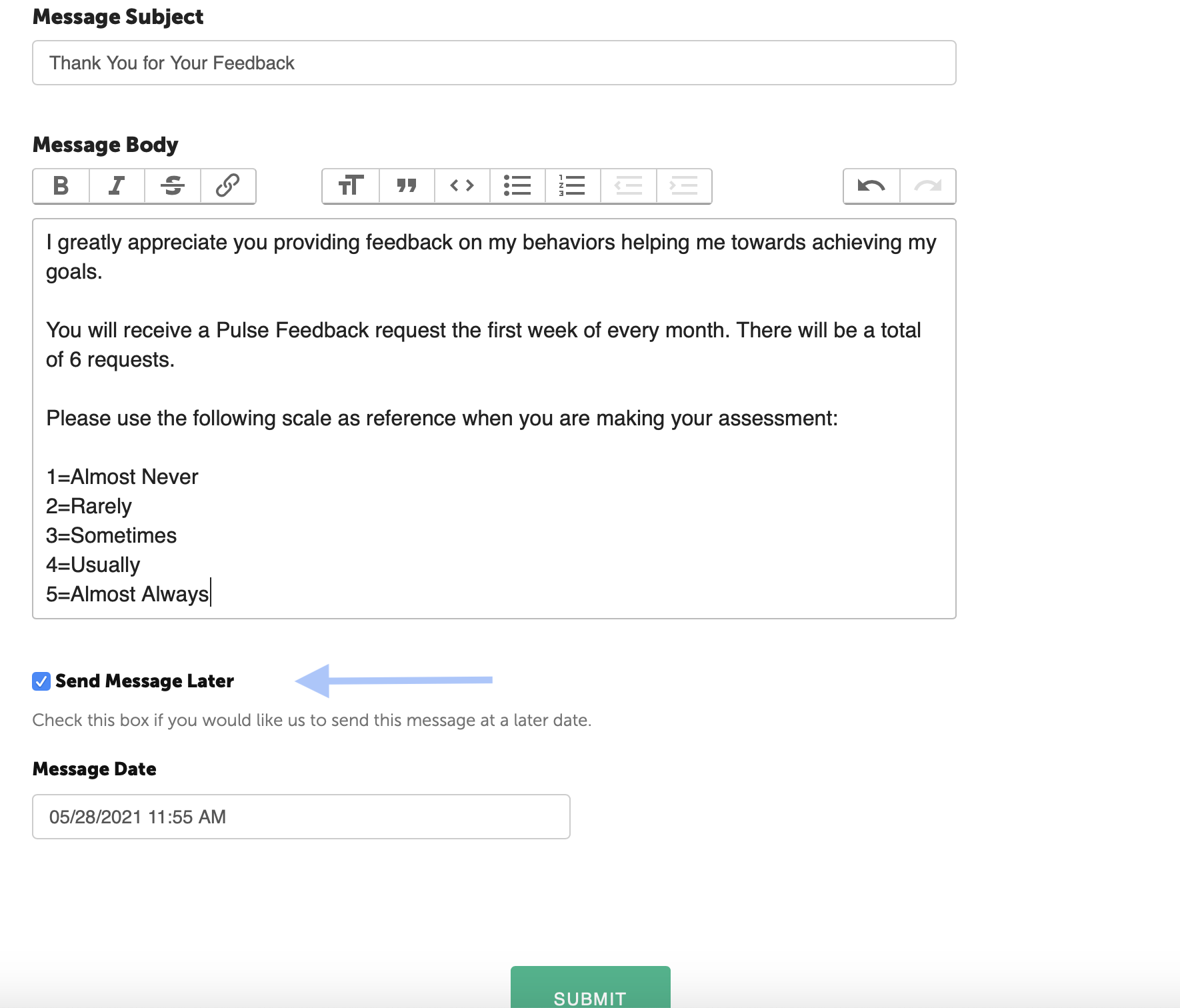
When finished, click to Submit button at the bottom for the message to be delivered on schedule.