

Coachmetrix allows you to choose any scale that best suites your project. For example, you might choose a scale that matches a 360 assessment or other profile that may be included in your coaching program. Or, you might choose more of a mini-survey format with a 7-point scale from -3 through +3 where 0 represents no change.
To change the pulse feedback scale, click the project settings icon in the upper right on your projects page.
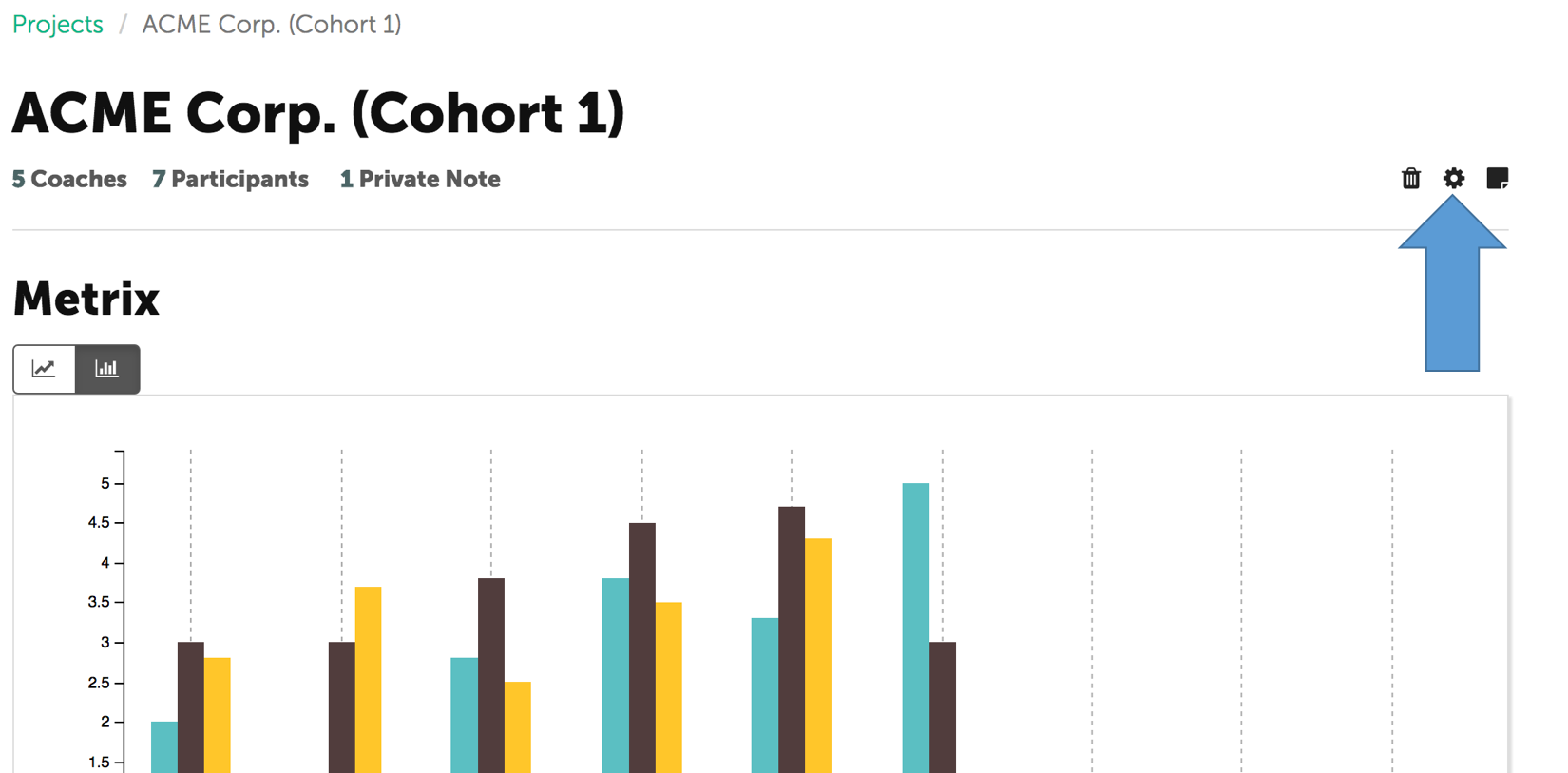
Choose either a Traditional Format or Progress Format Scale.
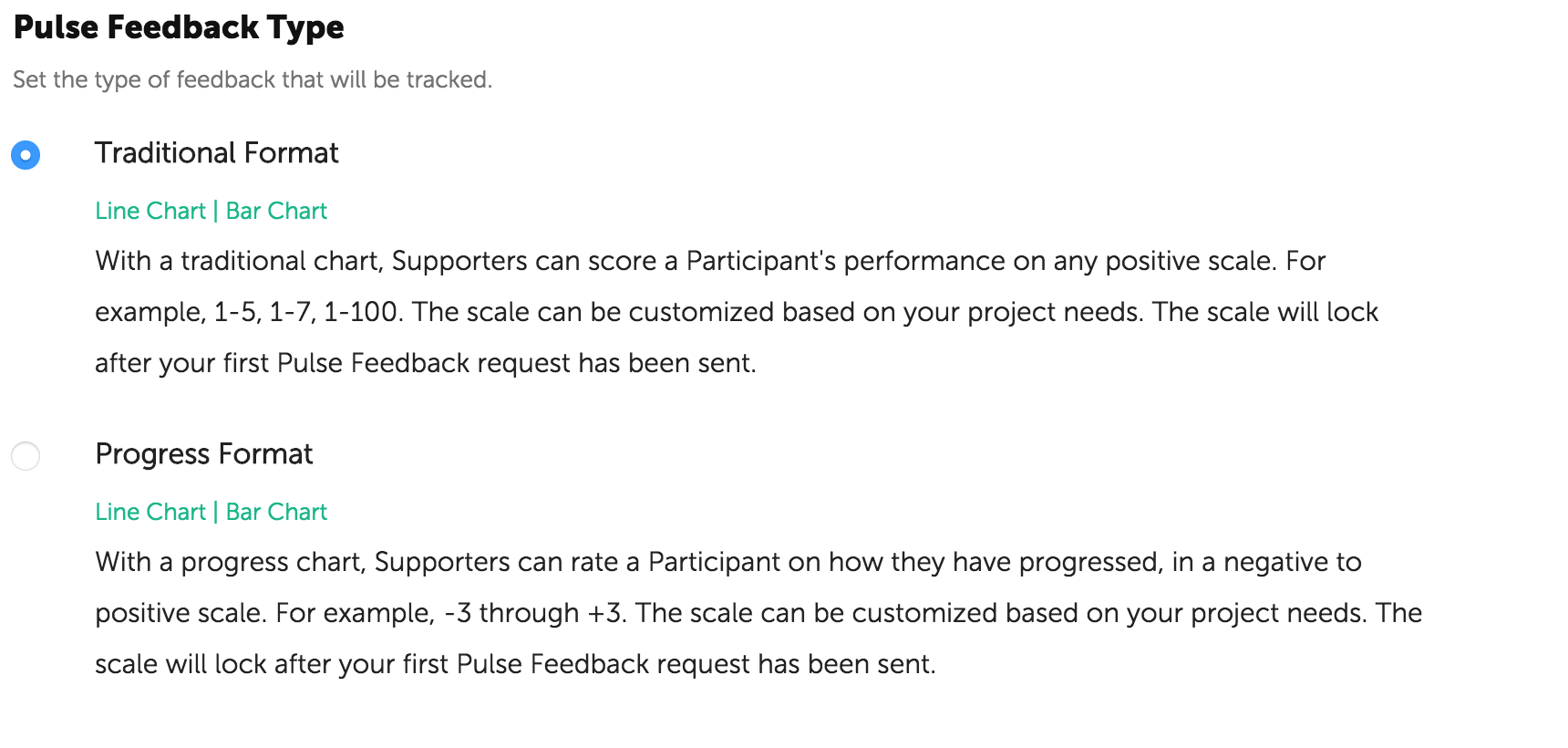
Change the pulse feedback scale.
Click "Save the Project"
NOTE: The scale and the pulse feedback type will lock after your first pulse feedback round has been kicked off.