

Coachmetrix allows you to choose between two levels of anonymity for Supporters who provide feedback: Open and Partially Anonymous. Open allows for full disclosure of the Supporters’ identity associated with feedback. Partially Anonymous allows the Supporters’ feedback to be displayed without identifying the Supporter.
To change the feedback privacy setting, click edit project (the wheel shape in the upper right of your project page).
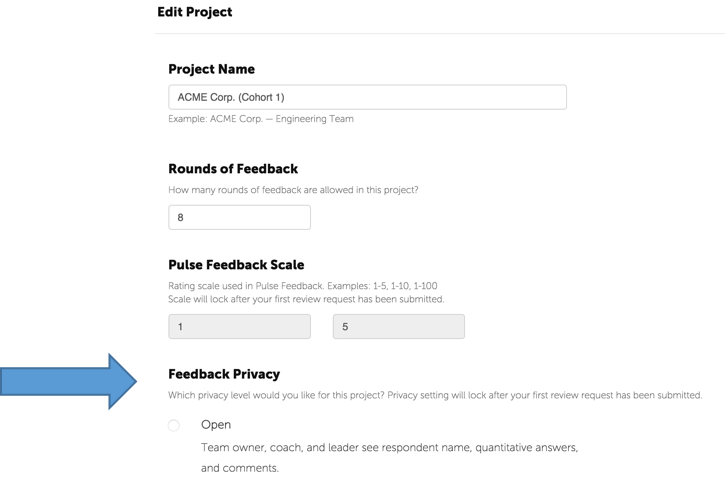
Then select the appropriate feedback privacy option and click "Save the Project" at the bottom of the page.
NOTE: The privacy setting will lock after your first pulse feedback round has been kicked off.