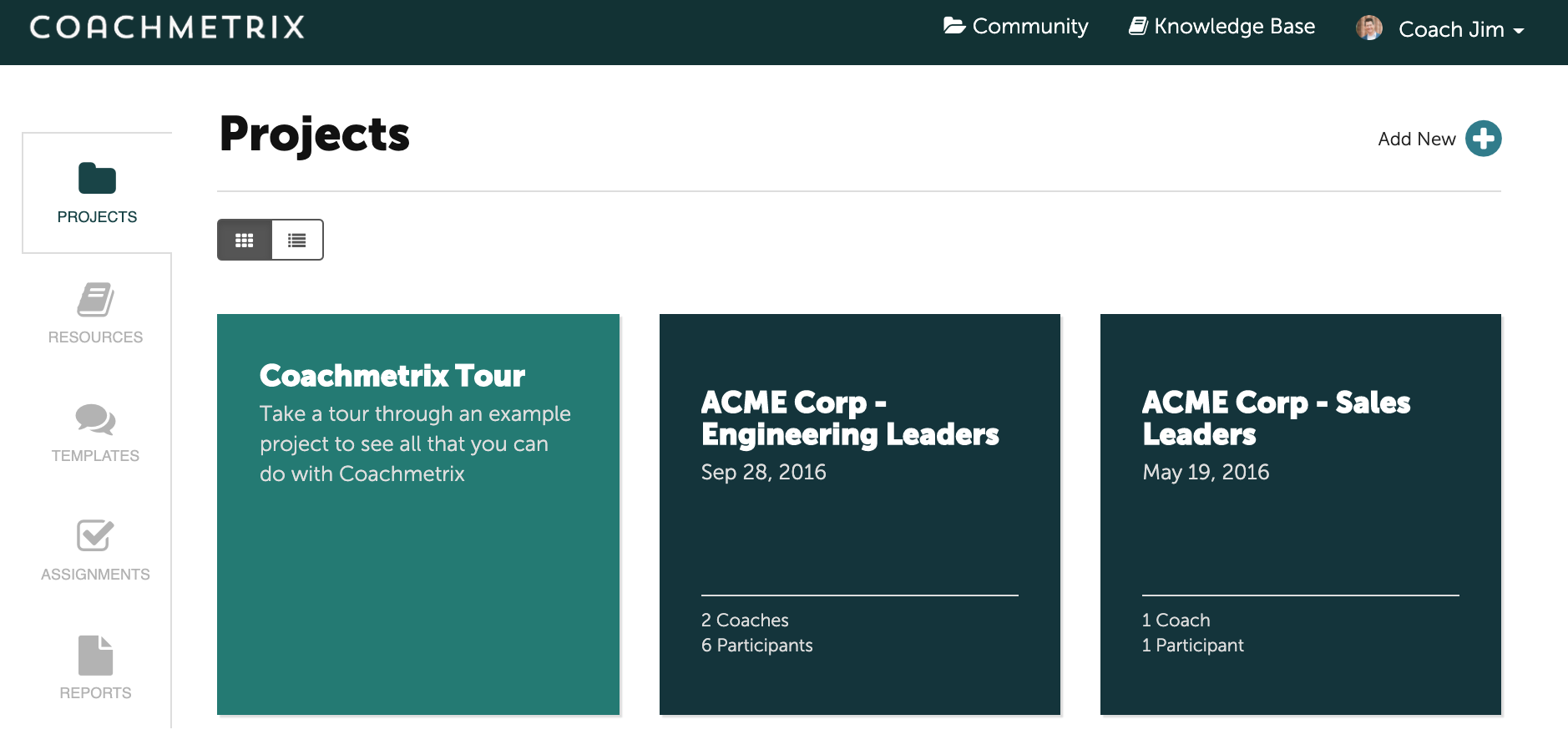
A Project is an engagement between a Coach and Participant(s). It could be coaching with one person, team coaching or a leadership development program. In Coachmetrix, each Project is represented by a tile.
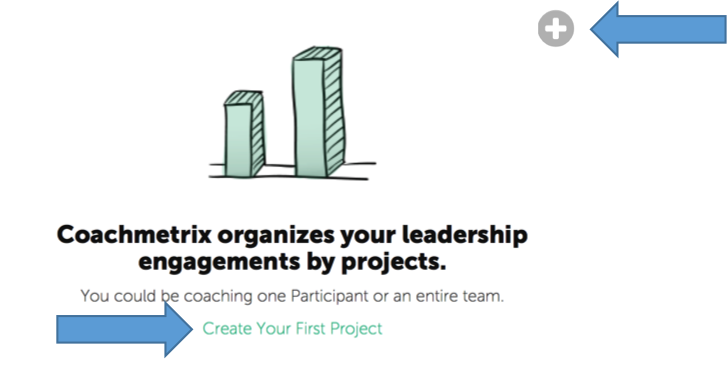
To create your first Project, click on the “Create Your First Project Link” or “+”.
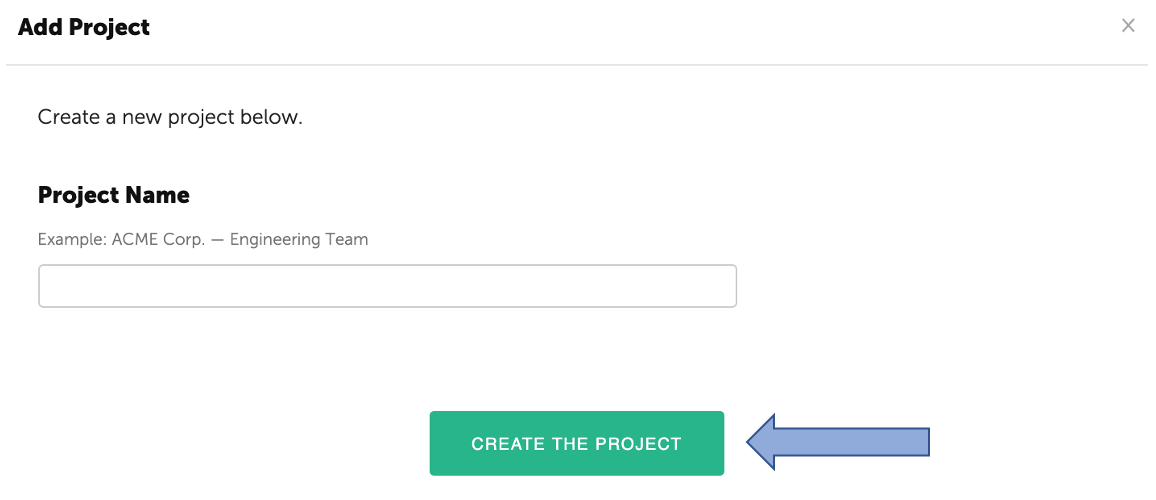
Enter the Project Name.
Click "Create the Project" green button.
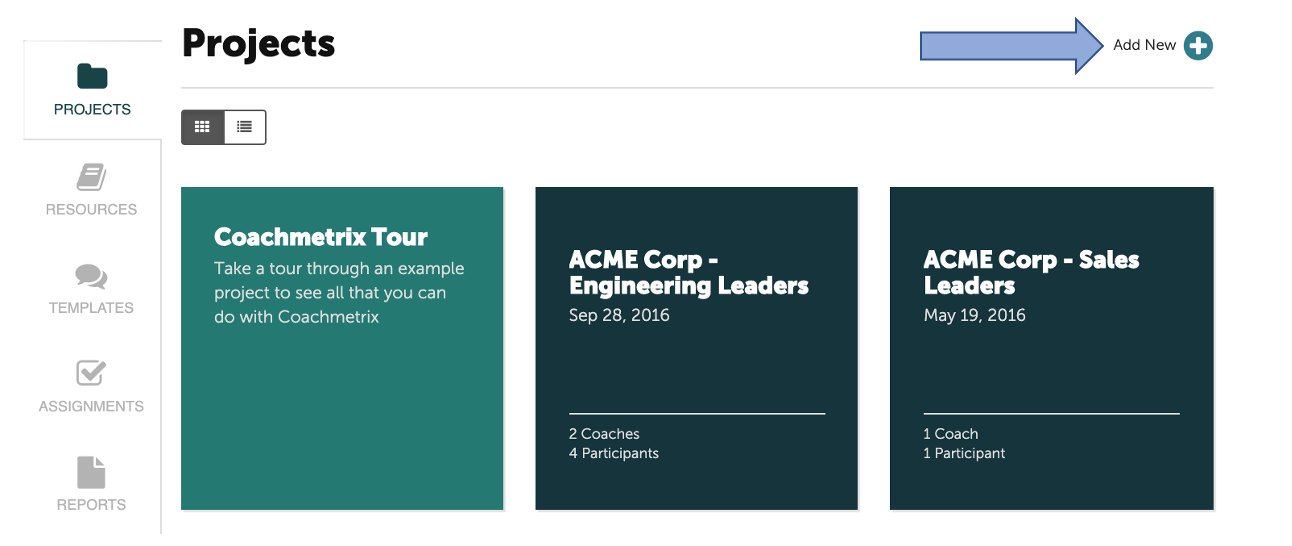
To add a new Project, click on the "Add New+" in the upper right corner of the Project page.
Name your Project, then click "Create the Project."