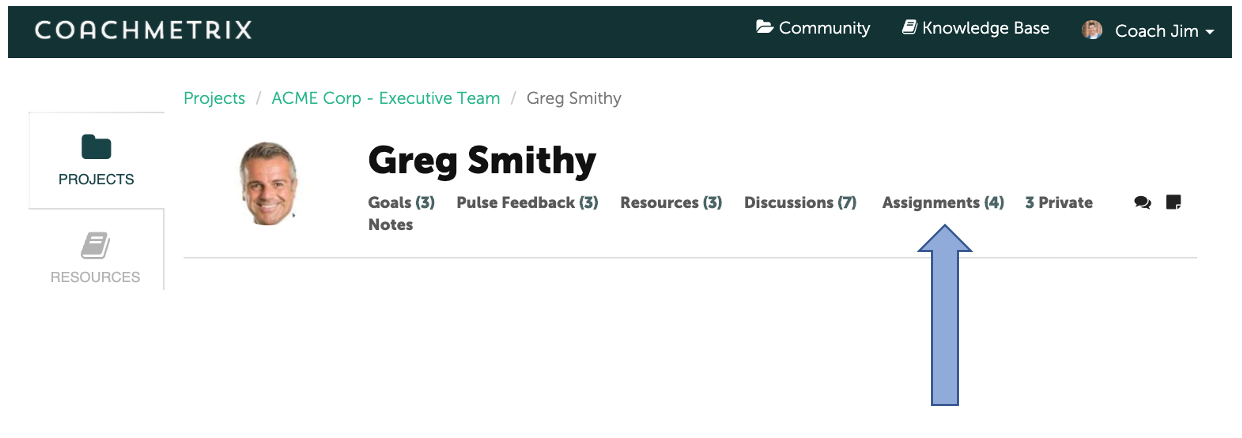
The number of Assignments is displayed on the Participant’s navigation bar under the Participants name. It is also a quick link to the Participant's Assignments Page.
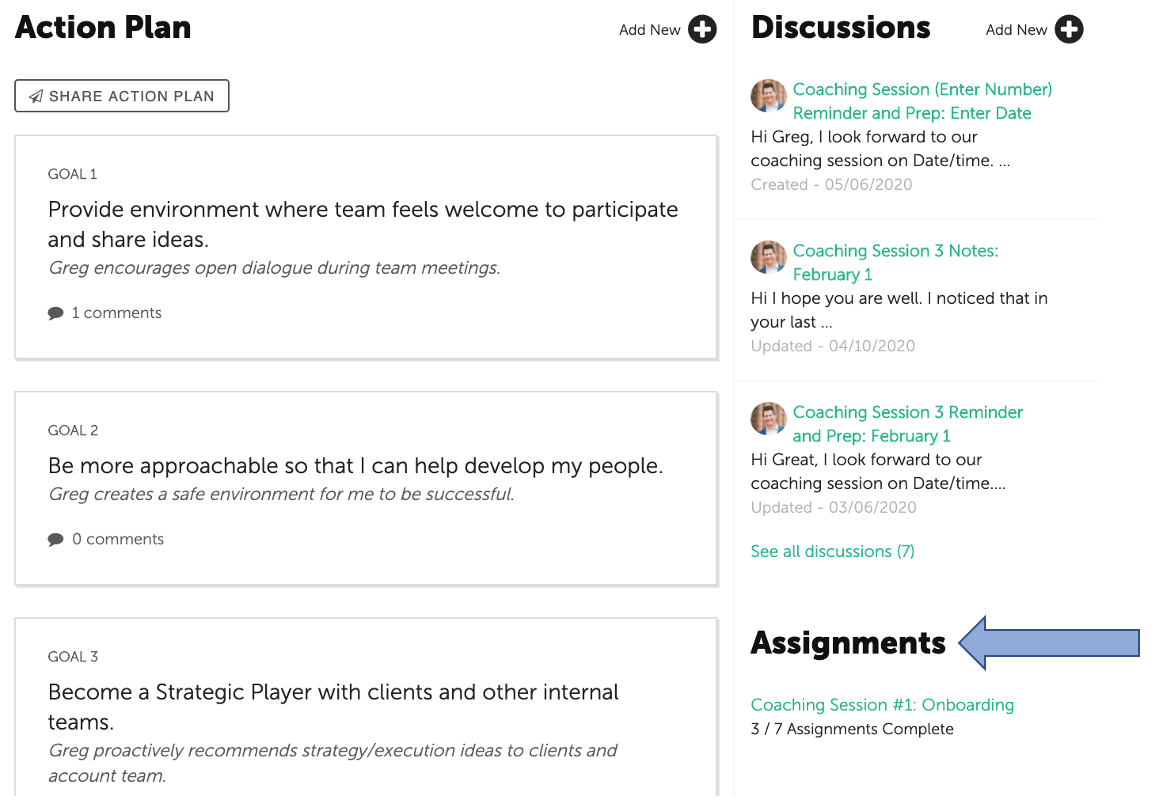
Scroll down, and the Assignments summary is displayed on the right column of the Participant’s dashboard. Select the Milestone link to get to the Assignments Page.
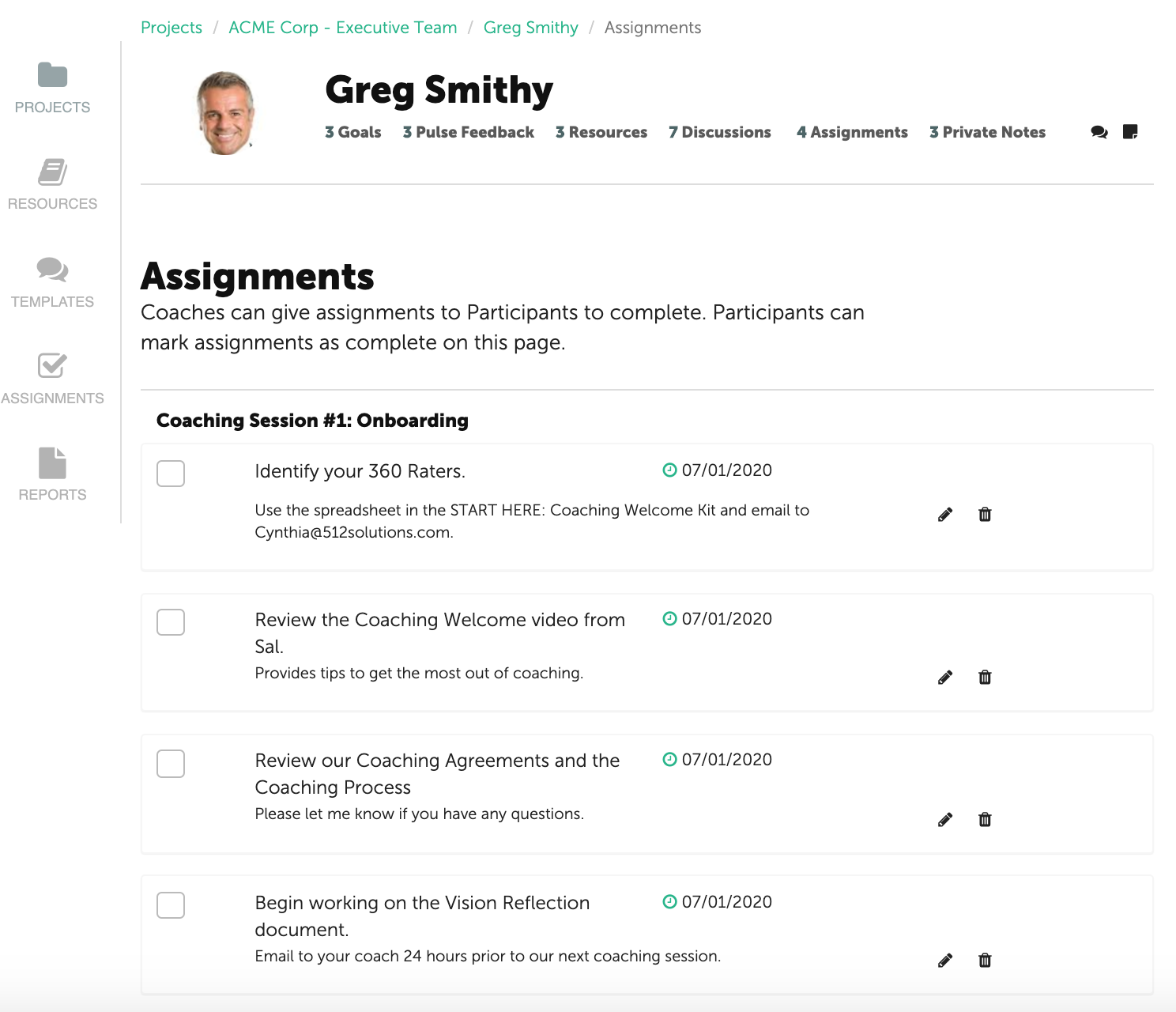
The Participant’s Assignment page displays all of the Assignments that a Coach has shared. The Assignments are grouped by Milestone and include associated due dates.
NOTE: Only the Coach can edit the Assignment and/or due date.
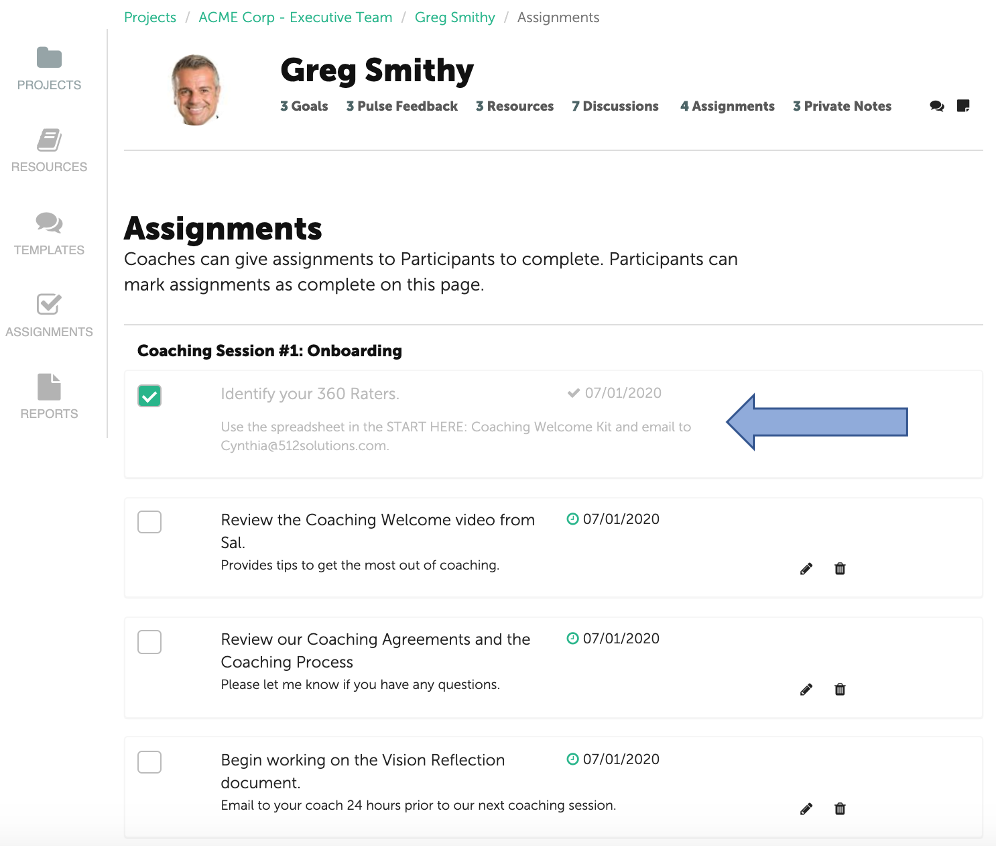
Once the Participant has completed an Assignment, the Participant or Coach checks the box to the left of the assignment. The Assignment will stay displayed but fade and the due date will be updated to reflect the completion date.