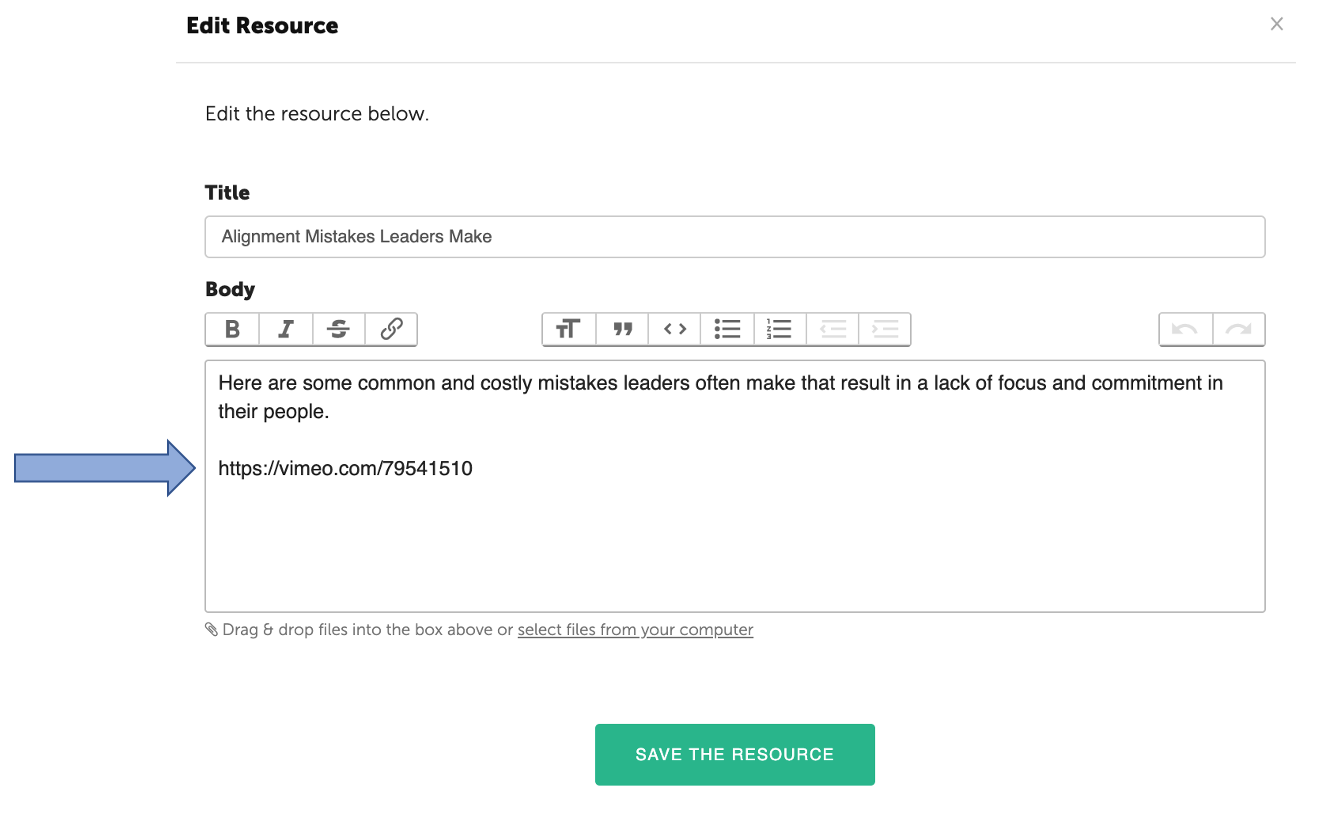
It's easy to add video to your Resources. While editing or creating your Resource, simply copy and paste a link from YouTube or Vimeo into the body of your Resource and the video will be available once the Resource is saved.
Important Note: The maximum upload size is 25mb. Coachmetrix doesn't accept video or sound file uploads. These files can easily be uploaded to a service that typically hosts these files - YouTube and Vimeo (for video) and SoundCloud https://soundcloud.com (for audio) and then embed the link into the Resource.
Videos from YouTube
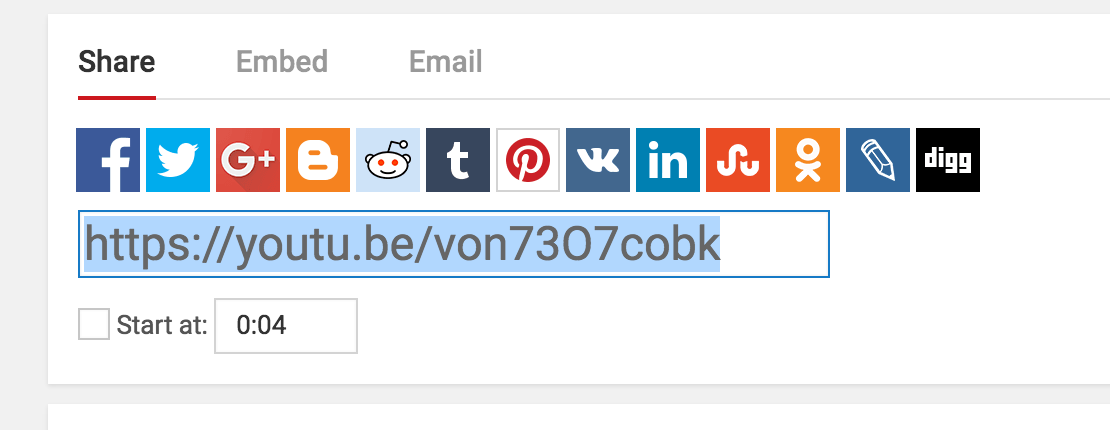
Click the Share link under the video you'd like to share, copy the link and paste it into the body of your Resource. The video will appear once you click "Create the Resource."
Videos from Vimeo
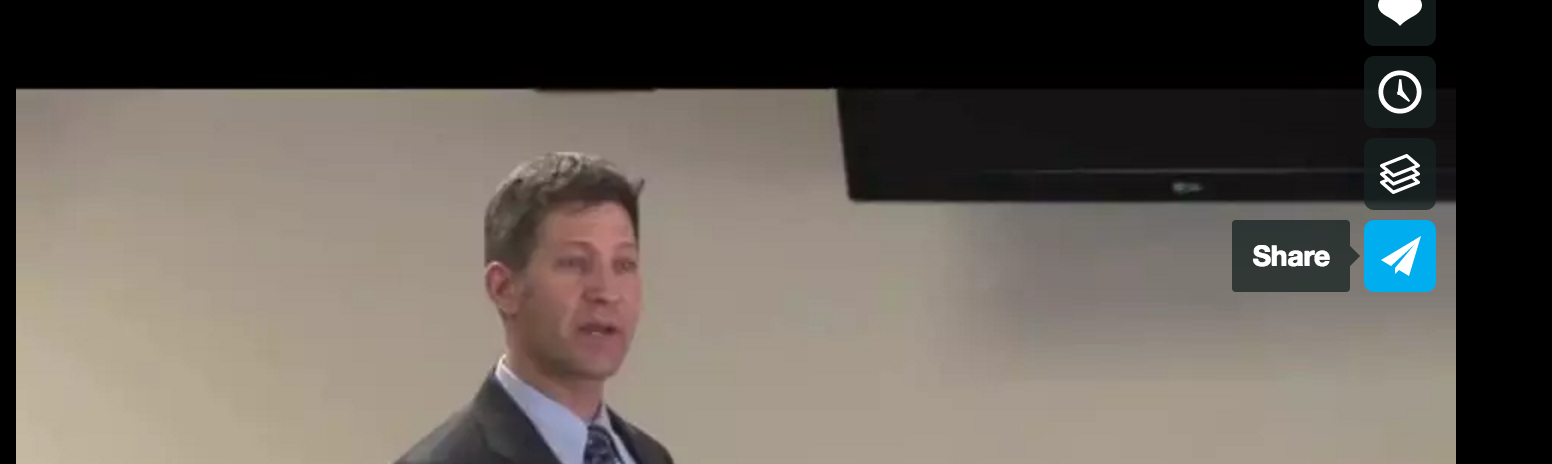
Click on the share icon to the right of the video you want to select.
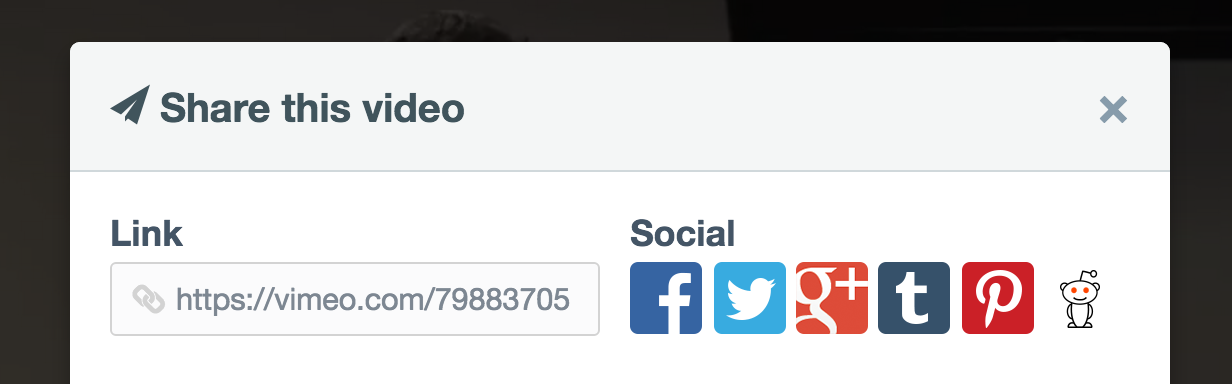
Copy the link provided in the pop-up window and paste it into the body of your Resource. The video will appear once you click "Create the Resource."